HomeNavigation arrowBlogNavigation arrow
Current page
Feature Updates

Candy’s Weekly Recap: New Dashboard, In-Gallery Background Rendering, and More! 📸 🎉

Candy’s Weekly Recap: New Dashboard, In-Gallery Background Rendering, and More! 📸 🎉
Hello, fabulous photographers!

Candy here, and I'm buzzing with excitement to bring you this week's jam-packed recap! 🌟

We've got some big news that's going to make your NowCandid experience even more delightful and efficient. So, let's dive right in! 🏊

🌐 The New Dashboard Is Here to Stay!

First things first—the new NowCandid Dashboard has officially become our main dashboard! 🎊

  • All-in-One Place: Every feature from the old dashboard (now called the Legacy Dashboard) has been brought over, plus so many more new features to supercharge your workflow.
  • New Accounts: All new NowCandid users will exclusively see the new dashboard, ensuring a seamless and modern experience right from the start.
  • Update Your Bookmarks: If you're a long-time user, it's time to say goodbye to old habits. Replace any bookmarks from dashboard.nowcandid.com with app.nowcandid.com. Trust me, you won't want to miss out on all the new goodies! 😉
  • Accessing the Legacy Dashboard: Need to peek at the old dashboard for any reason? No worries! There's a handy button on the new dashboard that lets you access it anytime.

We're thrilled about this upgrade and can't wait for you to explore all the enhanced features designed to make your life easier!

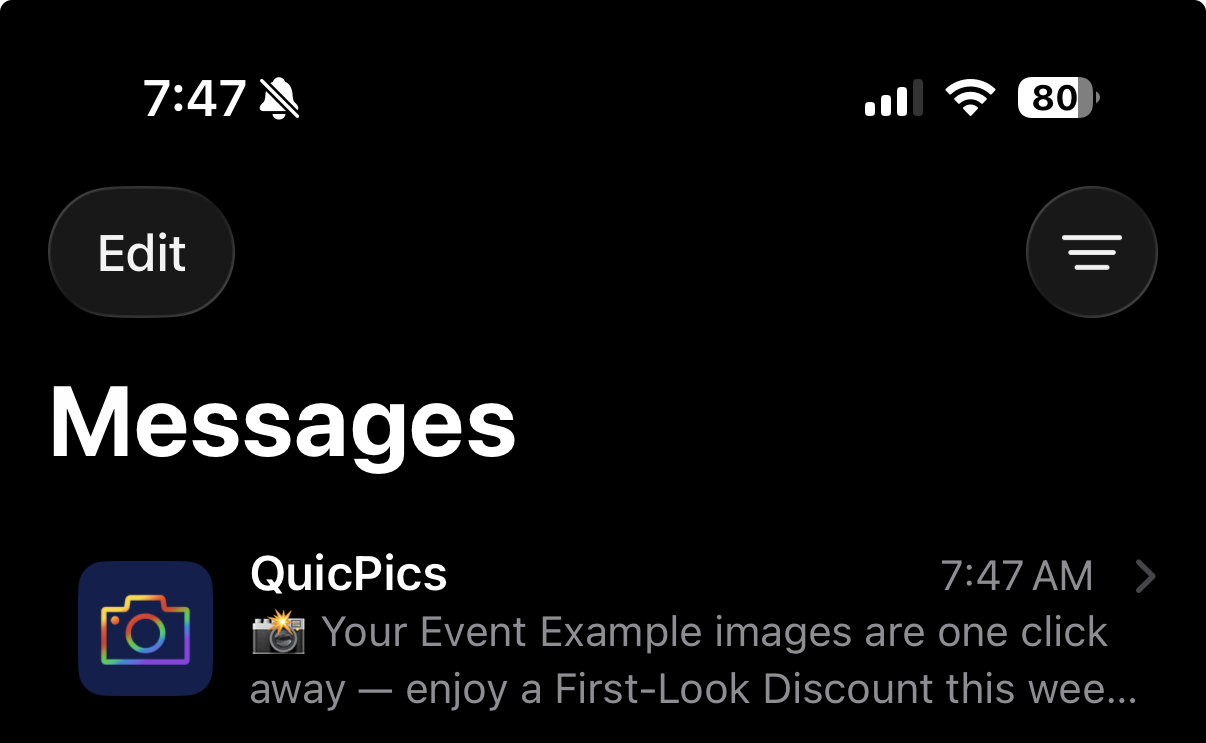
Names on orders withheld for privacy

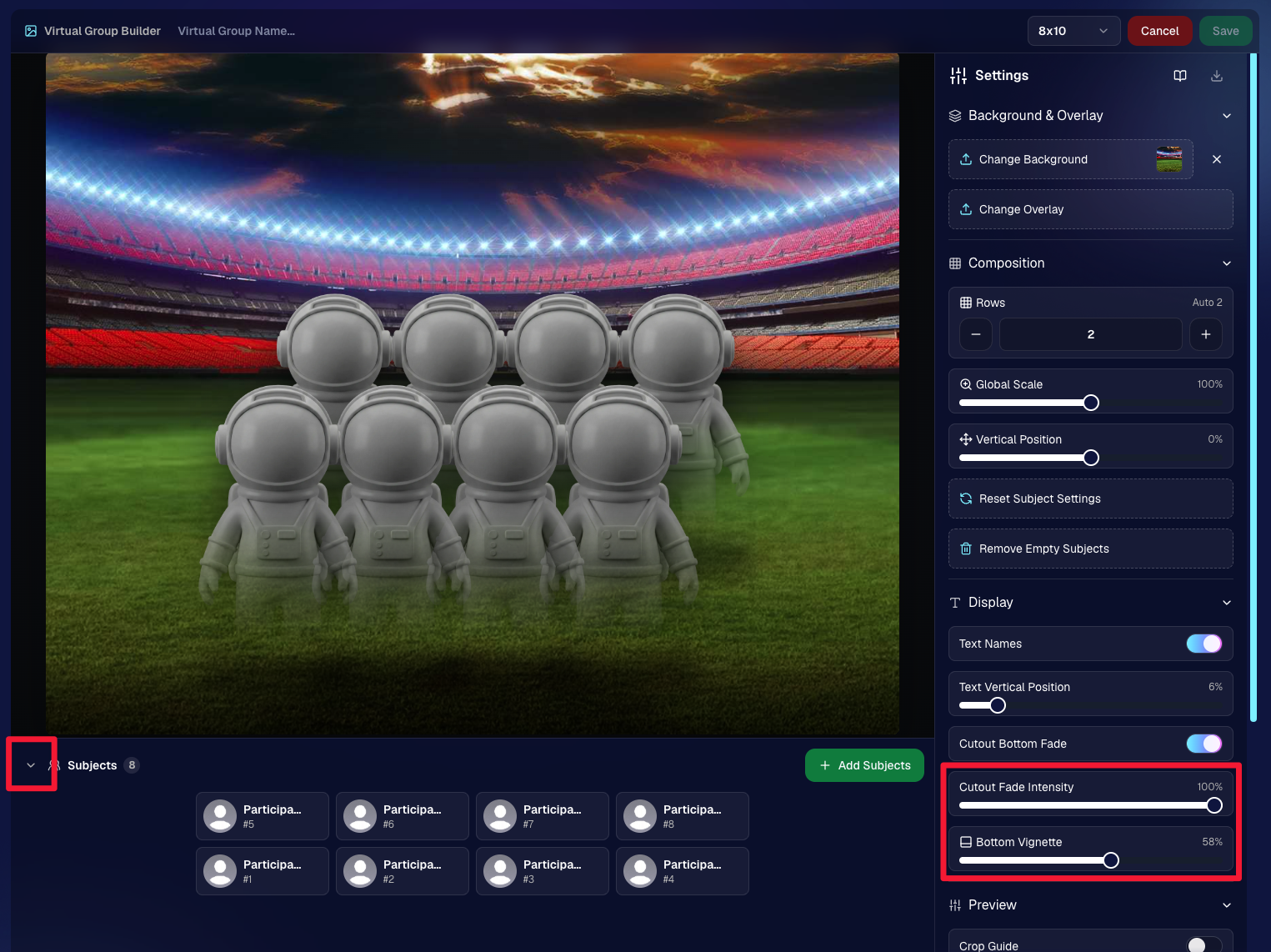
🖼️ Photographer-Uploaded Backgrounds Render in Personal Galleries

Great news for those of you who love adding that extra flair to your images! Your uploaded backgrounds will now render directly on BGR (Background Removed) images right in your clients' personal galleries. 🌈

  • Visual Impact: Clients can instantly see how amazing their photos look with your custom backgrounds applied.
  • Boost Sales: By showcasing these options upfront, you can provide more options from the get-go it can be a more intuitive experience for your customers.

This enhancement creates a more engaging and personalized shopping experience for your clients!

Theme: Liquorice - Watermark: Default

🛍️ Retail Site Checkout Improvements

We've made some nifty changes to the checkout process to make it smoother than ever:

  • Split Process: The original checkout flow is now divided into a View Cart screen and a Checkout screen.
    • Better Visibility: Clients can easily review their cart contents before proceeding to checkout.
    • Facilitates Express Options: This change provides space to accommodate our growing number of express checkout options, making the payment process quicker and more flexible.
  • Enhanced Clarity: The new layout reduces confusion and helps prevent cart abandonment, as well as more clarity regarding subtotals and shipping costs.

Making shopping a breeze means happier clients and more sales for you! 💰

Theme: Liquorice - Watermark: Default

🎒 Bag Tag Product Now Has Live Rendering

Exciting update for the Bag Tag product:

  • Live Rendering: Clients can now see real-time previews of all art styles available for Bag Tags.

Offer your clients a preview of their custom creations to enhance their shopping experience! 🛍️

Theme: Liquorice - Watermark: Default

📝 Blog Now Accessible in the New Dashboard

Stay informed without ever leaving your dashboard!

  • Integrated Blog: Our blog is now hosted right within the new dashboard.
  • Easy Access: Get the latest updates, tips, and tutorials at your fingertips.
  • Stay Updated: Never miss out on important news that can help you make the most of NowCandid.

Knowledge is power, and we’re putting it right where you need it! 📚

🔐 Update Credit Card Info & Change Password Easily

We've streamlined account management features:

  • Change Credit Card Info: Update your payment details directly from the new dashboard.
  • Change Password: Easily keep your account secure with straightforward password management.

Your convenience and security are our top priorities! 🛡️

🌍 Now Supporting Photographers Worldwide

We’re expanding our horizons!

  • International Support: You can now select countries other than the U.S. during account creation and in your profile settings.
  • Global Community: Photographers around the world will soon be able to use NowCandid to grow their business.

No matter where you are, NowCandid is here to support your photography journey! 🌐

📞 Retail "Contact Us" Visualization

Communication made clearer!

  • Business Info Editor: In your profile settings, you can now visualize how your contact information appears to clients on the retail site.
  • Professional Appearance: Ensure your clients have the correct information to reach out to you when needed.

Clear communication builds trust and improves client relationships! 🤝

🕸️ New Font: Geist!

We're getting into the festive spirit!

  • Font Update: We've switched from Inter to Geist for both the web dashboard content and the retail site.
  • Spooky Vibes: Geist may not look spooky, but the name of the font alone adds a touch of whimsy appropriate for the Halloween season. 🎃

Enjoy a fresh look as you navigate through your dashboard and retail site! 👻

We hope these updates make your NowCandid experience even more enjoyable and efficient.

We're constantly working to bring you the best tools and features to help your photography business thrive. 🌱

As always, we're here to support you every step of the way. If you have any questions or feedback, don't hesitate to reach out! 💌

Cheers and sparkles,

Candy 🍬

P.S. Don't forget to update your bookmarks to app.nowcandid.com to stay connected with all the latest features! 🔖
Related articles

Weekly Recap: NowCandid Docs Are Here (60+ Pages), Capture App 5.6, and Smarter Retail + Dashboard Tools
Feature Updates
May 1, 2026

Weekly Recap: NowCandid Docs Are Here (60+ Pages), Capture App 5.6, and Smarter Retail + Dashboard Tools

8
 minutes read
Hey photo friends! 👋


This week’s updates are packed with improvements that make your day-to-day workflow smoother—especially if you like clear answers, fewer edge cases, and cleaner experiences across Capture, Retail, and the Dashboard.

The headline this week: NowCandid Docs are officially live inside the Dashboard—and they’re already huge. Let’s jump in. 💫

📚 NEW: NowCandid Docs (Built Into the Dashboard)

We’ve launched official, up-to-date NowCandid documentation directly inside the Dashboard. Just click “Docs” in the sidebar to open it.

Here’s what makes it special:

  • One dedicated place for everything: programs, workflows, Capture App, JerseyJotter, Candy Culler, and more
  • Over 60 pages of documentation already (with screenshots and even some videos)
  • Regular updates, with a timestamp on each page showing when it was last updated
  • Smart Docs search (use the search button at the top of the Docs sidebar)
  • Mobile supported: works fully inside the Mobile Dashboard app
  • Clickable images: click any image to preview it bigger
  • Table of contents + feedback: on larger screens, you’ll see a right-side table of contentsand a “Give Feedback” button to report missing info, typos, or confusing sections
  • Private by default: you can share a docs link, but the viewer must be logged in to access it

Preview of New NowCandid Docs
NowCandid Docs Image Timeline page preview
NowCandid Docs Jersey Jotter page preview

🍬 Candy got smarter (because Docs exist)

Candy now pulls from the new Docs when answering questions—so she can:

  • Share direct links to guides
  • Pull relevant screenshots and videos
  • Give more accurate, up-to-date help

Also, the Candy Navigation Assistant now uses docs search as the fallback destination if it can’t find a page you’re looking for—often with your question prefilled!

📱 Capture App 5.6 (iOS & Android) — Not OTA

Capture App v5.6 is now available for iOS and Android (this is not an OTA update).

What changed:

  • Fix: Android “Update Available” popup now correctly links to Google Play, not the Apple App Store
  • Feature: The app now rejects images under 1,000 pixels with an error popup (similar to the color profile error). The Dashboard already enforced this, but this prevents rare edge cases—like a camera outputting low-res images during capture.

🛍️ Retail Improvements (Better behavior, clearer checkout)

A few retail updates landed that improve clarity and fix edge cases:

  • BGR + PhotoTags fix: Background removed images in PhotoTag events will now show correctly even if the originals are marked invisible
  • Pay Later badges removed from the store sheet (the “Pay Later Options Available in Checkout” messaging still appears in package configurators for packages $30+)
  • Z-cropped images now show faceboxes (and the faceboxes are adjusted to the z-crop, too)
  • Checkout completion screen now shows your Business Logo (if you’ve added one)
  • Updated “Your order is complete” copy to note:
    • retouching may delay orders
    • physical products typically arrive in 7–14 business days

🖥️ Dashboard Updates (Clarity, savings, and better reporting)

  • Positive ID edge case fixed: Manually assigned images now show up correctly in an additional contact’s gallery
  • Client Outreach SMS savings: Non-standard encoded apostrophes now auto-convert to standard apostrophes to reduce segment costs
  • Auto Editor access fix: Resolved an issue preventing some users from accessing Auto Editor
  • New Candy Image Studio node: Traditional Black & White (distinct from the Black and White Film Print node)
  • Reports pages upgraded: Added titles and descriptions for better clarity
  • Participant List: Unmarketable Participants filter
    • You can now filter to show only unmarketable participants—or hide them
    • The download sheet now includes an “Unmarketable” column (Yes/blank)
    • “Unmarketable” can include opt-outs/unsubscribes, invalid contact info, etc.

🍬 Candy UI improvements

Candy received a bunch of UX upgrades, including:

  • Click images to preview larger
  • New table rendering
  • Scroll fades
  • Type without having to click/focus the input first

📱 Mobile Dashboard Improvements (No app update needed)

  • Fixed sidebar scrolling triggering “pull to refresh”
  • You can now slide/pull from the side to open the sidebar—no need to scroll to the top and tap the sidebar button

That’s the week! 💫

This release is all about reducing friction—with official docs inside the Dashboard, a tighter Capture App, better retail behavior for BGR and z-crops, and Dashboard refinements that improve accuracy, clarity, and even lower messaging costs.

Keep creating magic,

— The NowCandid Team 🍬

Keep More of What You Earn with NowCandid™
NowCandid 101
April 28, 2026

Keep More of What You Earn with NowCandid™

5
 minutes read

A lot of platforms are happy to look affordable at first—and expensive later.
We prefer the opposite.

NowCandid™ is built to support photographers long-term, which means our pricing is designed to be easy to understand, easy to plan around, and easier to live with as your volume grows. When you’re running real events—schools, sports, graduations, leagues—the last thing you need is a platform that nickel-and-dimes you for the core tools required to deliver and sell images.

The Simple Part: Two Fees, No Subscriptions

With NowCandid, your costs are straightforward:

  • 5% e-commerce fee
  • 3% payment processing fee

That’s it.

There’s no subscription fee and no onboarding fee, so you’re not paying monthly just to keep your account active—or paying extra just to get started.

The Important Part: No Surprise Add-Ons

Many platforms charge extra for the features that actually make your events run smoothly. NowCandid includes the tools high-volume photographers rely on without tacking on separate line items.

Here’s what you don’t pay extra for:

  • No fees on sales tax collected
  • No extra charge for background removal
  • No extra charge for automatic exposure correction
  • No extra charge for image storage
  • No extra charge for automated SMS + email marketing tools
  • No extra charge for white-labeling
  • No extra charge for Face Matching™
  • At least 20 years of image hosting included

That’s the difference between a platform that adds tools later and a platform that includes the tools up front.

Why This Matters for Real Photographers

When the platform includes the tools you actually need, two good things happen:

1) You keep more margin on every order

If your costs don’t balloon as you scale, more of every sale stays with you—without you having to raise prices just to cover software overhead.

2) Your workflow gets simpler

You don’t have to stitch together multiple services (and multiple bills) to accomplish basic event goals like:

  • identifying subjects
  • delivering galleries quickly
  • protecting images
  • marketing via text/email
  • selling through a modern checkout

Those pieces are part of the core system—because they’re not “extras” in real event photography.

The Takeaway

NowCandid is built to support photographers—not squeeze them. Our pricing model is intentionally structured so that the platform remains sustainable for your business as you grow, and so that more of what you earn stays with you.

If you want a platform that’s designed for high-volume reality—and doesn’t charge extra for the essentials—NowCandid is built for you.

Pricing Disclaimer

Pricing, fees, and included features listed in this article are accurate as of the original publication date and may change over time. For the most current pricing and terms, please contact our team.

Weekly Recap: Auto Editor (Beta), Pay Later Badges, and Faster Manage Images
Feature Updates
April 24, 2026

Weekly Recap: Auto Editor (Beta), Pay Later Badges, and Faster Manage Images

5
 minutes read

Hey photo friends! 👋
This week’s updates bring a mix of AI editing power, cleaner review tools, and a small boost to retail conversion clarity—plus a helpful Android Capture App fix.

Let’s jump in. 💫

🧠 Auto Editor (BETA)— AI Edit an Entire Event or Folder

We’re rolling out an Auto Editor (Beta) that can automatically AI-edit:

  • • All images in an event, or
  • • All images in a specific folder

Auto Editor is powered by Candy Image Studio (same nodes, same pricing), and edited images keep their existing matches—just like when you run Candy Image Studio on an event image.

Important notes:

  • • You are billed per image edit.
  • • This is a BETA feature—we recommend testing on yourself (or doing one-offs in Candy Image Studio) before relying on it for a real event.
  • • Auto Editor can run up to 60 days after the event start date, similar to other event workflows.

Common use cases

  • • Light face retouching
  • • Fix subject lighting
  • • Reduce glare on glasses
  • • Remove alcohol
  • • Add green screens

Fun use cases

  • • Automatic glamour looks
  • • Anime style
  • • Chibi style
  • • Anything you can build with a custom text node

Where to find it

  • • On an Event page in the Dashboard sidebar, near JerseyJotter and Candy Culler
  • • The folder selector will show whether you’re running an Event Edit or a Folder Edit
  • • The Event List will show an Auto Editor attribute for events that used it (and includes an Auto Editor filter)
  • • EMP also shows the Auto Editor attribute on its event list page

🎨 Candy Image Editor + Manage Images Improvements

A few upgrades landed that make AI editing and review smoother:

  • • New node: Alcohol Remover is now available in Candy Image Editor.
  • • Replace uploaded images more easily (non-event images): you can drag a new image onto the one you already uploaded to replace it, instead of starting over.
  • • New “Preview Original” option on Manage Images lightbox for AI-edited images uploaded from Candy Image Studio
    • • You can also toggle this view using \.
  • • Manage Images search is faster (image searching performance improved).
New Alcohol Remover Node

Preview Original Image Option

📣 Client Outreach: URL No Longer Required for Texts

Client Outreach texts no longer require a URL, but the system will show a warning if you try to send one without a link.

One important reminder: the number Client Outreach texts send from is different than the number used for automated event marketing—so recipients may not have any message history for context when they receive it.

🏷️ PhotoTags Page: Clearer Counts

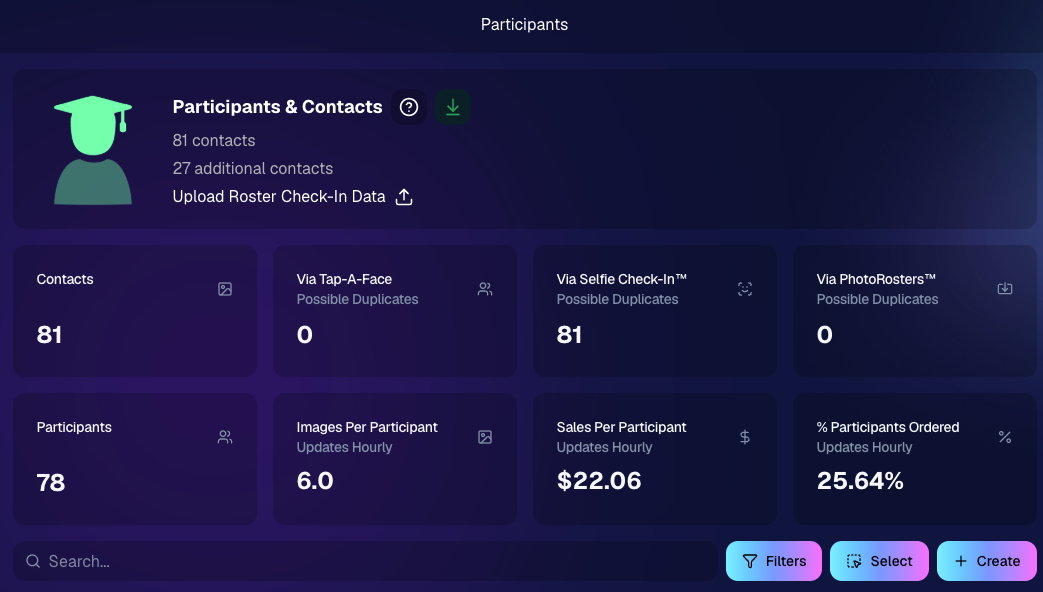
The Event PhotoTags page now shows Contacts and Participants as separate columns for better clarity.

🛍️ Retail: Pay Later Badges (more visible financing options)

Retail now shows Apple Pay Later and PayPal Pay Later badges on the store sheet for items $30 or more.

A few notes:

  • • Pay Later options have always been available—this change just makes them more obvious to customers.
  • • This UI may be temporary and could be removed at any time.

Reminders on existing Pay Later availability:

  • • Klarna & Affirm are available through Apple Pay for orders $35+
  • • Some credit cards offer Pay Later through Apple Pay (eligibility varies)
  • • Klarna, Affirm, and Zip are available through Google Pay for orders $35+
  • • PayPal Pay Later (Pay in 4) is available for $30+
  • • PayPal Pay Later (Pay Monthly) is available for $49+

🤖 Android Capture App 5.5: Duplicate Image Fix

The Capture App on Android (v5.5, Google Play) now fixes an issue where some cameras were sending duplicate images to the app.

That’s the week! 💫

Between the new Auto Editor (Beta), smoother “preview original” review flows, and clearer Pay Later messaging on retail, this update is all about saving time and helping customers convert with less friction.

Keep creating magic,
— The NowCandid Team 🍬

Let’s get in touch

If you’re a photographer looking to add NowCandid services to your wheelhouse – set up a call by clicking the button below.

How to customize formatting for each rich text

How to customize formatting for each rich text

How to customize formatting for each rich text

How to customize formatting for each rich text

How to customize formatting for each rich text

What’s a Rich Text element?

The rich text element allows you to create and format headings, paragraphs, blockquotes, images, and video all in one place instead of having to add and format them individually. Just double-click and easily create content.

A rich text element can be used with static or dynamic content. For static content, just drop it into any page and begin editing. For dynamic content, add a rich text field to any collection and then connect a rich text element to that field in the settings panel. Voila!

Headings, paragraphs, blockquotes, figures, images, and figure captions can all be styled after a class is added to the rich text element using the "When inside of" nested selector system.

  • List One
  • List Two
  • List Three
  • List Four
  • List Five

This is a link

This is bold text