HomeNavigation arrowBlogNavigation arrow
Current page
Success Stories

School’s Out, Earnings In: A Teacher's GradPics Now Success

School’s Out, Earnings In: A Teacher's GradPics Now Success
Time for another success story!

For years, graduation photography has played a crucial role in capturing the pivotal moments of grads. Not only are these professional photos treasured keepsakes, but they also present substantial income opportunities for photographers.

Consider the story of Eric, a high school photography teacher and small business owner. Eric ventured into a graduation event with NowCandid's platform, intending to photograph around 500 graduates. He had modest expectations, aiming to generate about $1,200 in sales. What unfolded next, however, far exceeded even his most optimistic projections.

In his very first event using NowCandid, the earnings soared past expectations!

Almost reaching an astounding $12,000 within only seven days after the event. Such a windfall was not only a personal victory for the teacher but also a testament to NowCandid's potential to transform event photography. So far (as of publishing this article), the event has reached well over $15,000. A far cry from his initially predicted $1,200.


Sharing his success in an email to his onboarding trainer, Darwin Drake, the photography teacher expressed his profound amazement and gratitude. "I am at $6,700 earned and counting. I am beyond speechless. I'm gobsmacked. I'm overjoyed. I am stunned." (And that reaction was before it hit $12,000 days later!)


A friends & family photo taken after the ceremony by Eric & his photographers.

But the triumph of this story goes beyond the impressive earnings.

As a teacher, Eric was able to bring his students onboard, teaching them practical skills while also providing them with paid experience. "I hired 4 of my current and former photography students for this event," he wrote, "and as a teacher and small business owner I am so profoundly thankful to be able to teach them and pay them."


Eric and some students in Berlin at a graffiti workshop just days after their successful graduation ceremony.

This story highlights the remarkable opportunities that NowCandid can bring to photographers and entrepreneurs.

Whether you're a professional photographer seeking to maximize your earnings, a teacher nurturing the next generation of photographers, or a business owner eager to expand your reach, NowCandid can provide the platform and tools you need to achieve your goals.

In event photography, moments become memories, and for a photographer: memories are opportunities!

Eric's experience shows, that with the right tools and workflow, it is more possible (and easier!) than ever before to monetize your photography in a big way.

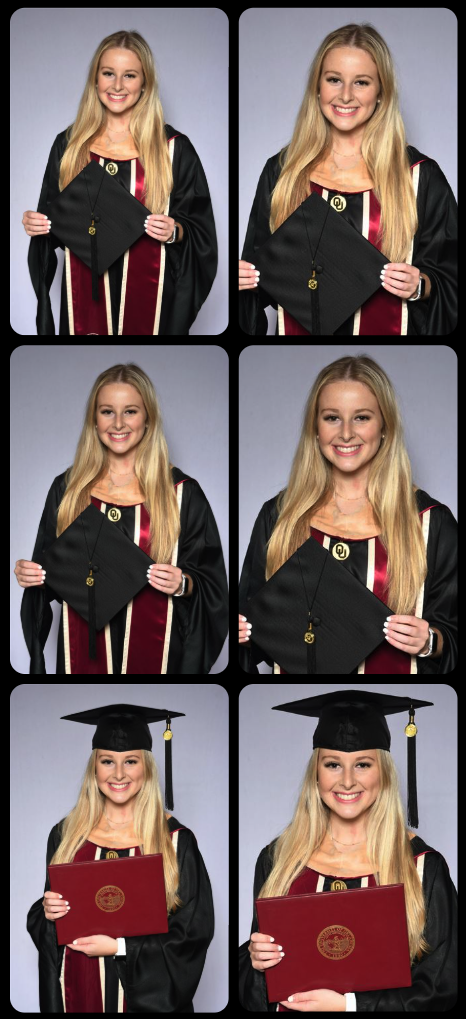
Enjoy some more photos taken by Eric & his photographers below!

NowCandid Event Settings & Numbers Breakdown
Program: GradPics Now

Workflow: Selfie Check-In

Price Level: Price Level 8

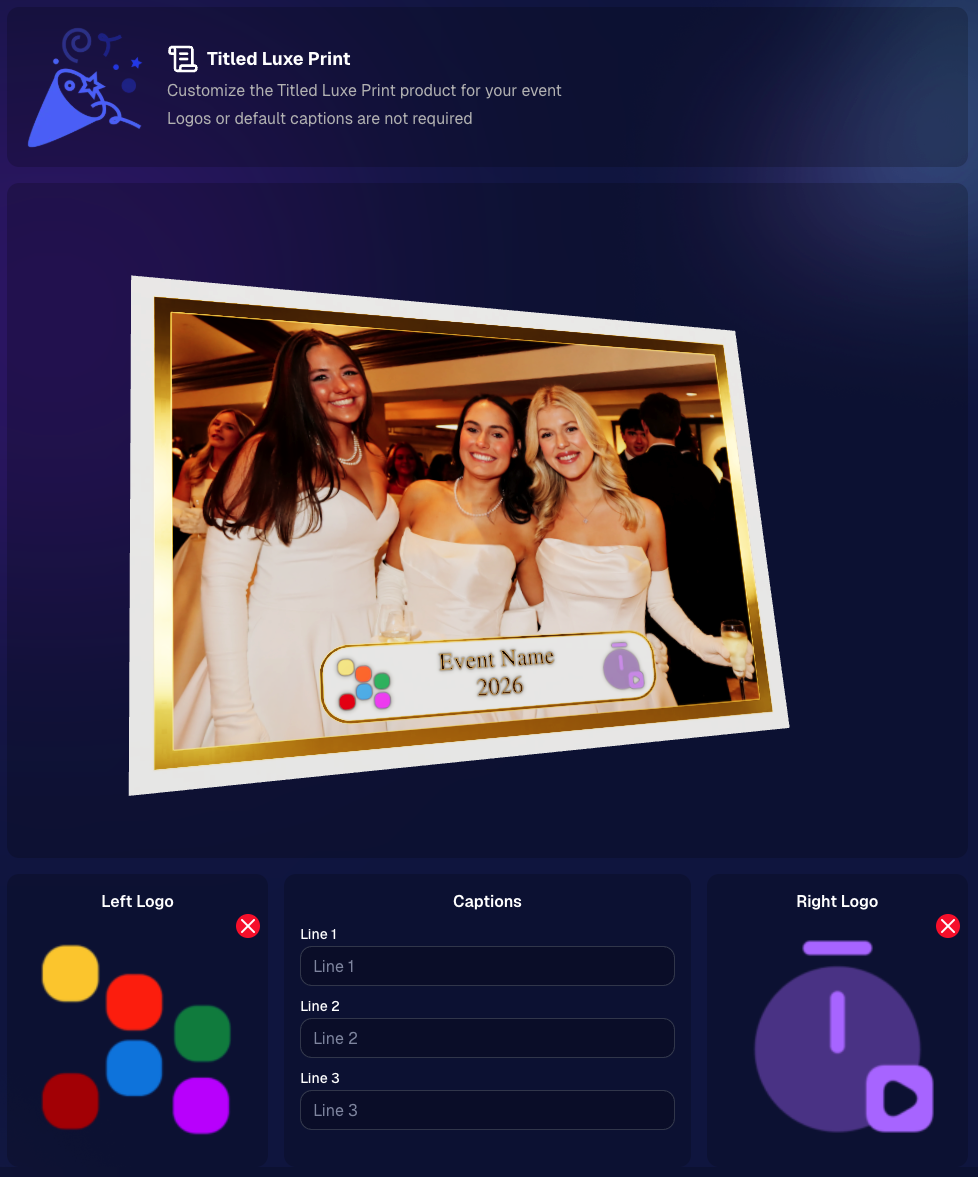
Title Option: Simple Text Title

Staff: 4 Photographers (doing some Selfie Check-In work as well) and 1 Dedicated Selfie Check-In Attendant

Participants: 500+ Participants via Selfie Check-In

Total Images Taken: 1944

Related articles

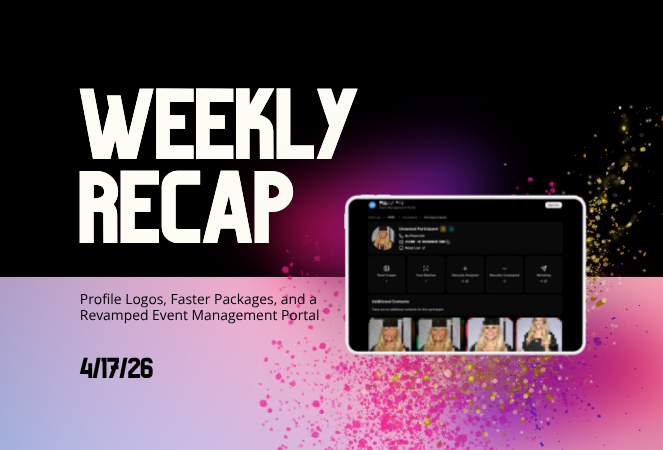
Weekly Recap: Capture App 4.21 OTA, New Dashboard Filters & Helpful Fixes 📲🧭
Feature Updates
November 7, 2025

Weekly Recap: Capture App 4.21 OTA, New Dashboard Filters & Helpful Fixes 📲🧭

2
 minutes read
Hey photo friends! 👋

Here’s what’s new this week! Changes focused on faster updates, more filters, and a handful of useful fixes.

📱 Capture & Upload App (iOS) — Version 4.21

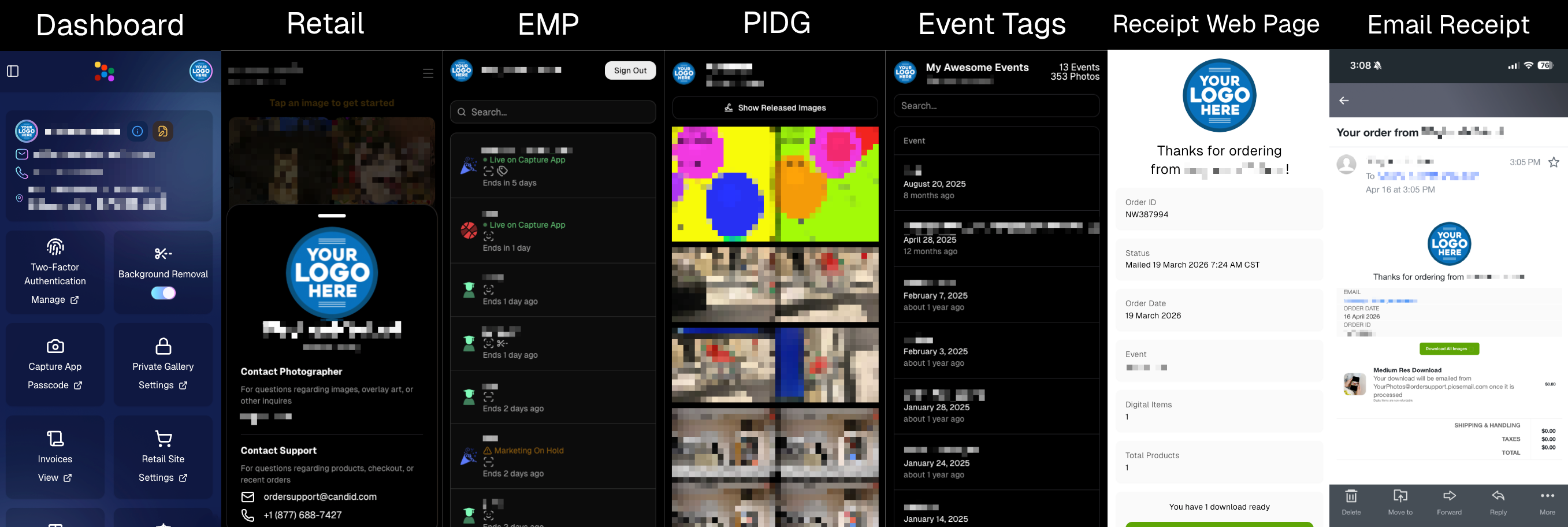
  • 🚀 Over-the-Air (OTA) updates: Most app updates no longer require the App Store. Updates download in the background and install on app restart/launch—no interruptions during Events. You can also manually check via Resources → “Check for updates” (tap the (i) button).
  • 📶 See your Wi-Fi name: The current network name now shows on the Web Weaver item in Resources.
  • Faster, lighter uploads: Additional memory and performance improvements when uploading image files.

Smaller iOS app changes

  • 🖨️ AirPrint prompt returns if a printer isn’t available (avoids an iOS security hiccup).
  • 🌐 Web Weaver manual toggle fixed.
  • 🔎 Image preview UI fixed when switching after zoom/pan.
  • 🧾 Name Lookup now populates correctly on first launch.
  • 🖼️ QuicPortraits icon color updated in Event select (those icons are single-color).
  • 🗂️ Block log-ins to flagged TKO folders (e.g., if you flagged “a”, you can’t log into “ac”).
  • ↔️ Horizontal zoom issue on iPhone resolved.

FYI on versions: The App Store shows 4.21; the current OTA version is 4.21.3. We’ve already shipped three OTAs this week to help teams while they’re still on-site! Pretty cool, right?

🖥️ Dashboard

  • 👁️ Manage Images → Visibility filter: All / Visible only / Hidden only.
  • 🎯 Assign Images → New filters: Name order, Purchased only, Visibility.
  • 🔗 Events Report: Clicking an Event now opens its Event Details page.

Smaller dashboard changes

  • 📨 Email campaign guard: Prevents a campaign from starting if the only image is a group PhotoTag.
  • 📥 Inbox UI: On mobile, updated header; on desktop, the selected item area stays sticky while you scroll.
  • 🧰 Trader Card fixes: Two styles now say League (not LD), and one style’s production print now matches the retail render.
  • 🖼️ Art uploader validation: Shows an error if an image is under 100 px in width or height.
  • 😊 Retail face boxes aligned on very small desktop viewports.

That’s the update for the week!

Thanks for reading—and happy shooting!

Candy 🍬

Weekly Recap: Sticky Filters, Faster Uploads & Happy Halloween! 🎃🕸️
Feature Updates
October 31, 2025

Weekly Recap: Sticky Filters, Faster Uploads & Happy Halloween! 🎃🕸️

3
 minutes read
Boo! 👻

Candy here with a trick-or-treat pail of useful updates: sticky, shareable filters, faster uploads, and clearer participant tools. You’ll keep context when you reload or share links—and move uploads along faster.

Let’s dig in!

🖥️ Dashboard Improvements

  • 🧲 Sticky, shareable filters
    Filters now live in the URL on Manage Images, Assign Images, Event List, and Participant List. Refresh or hit Back and your view stays put—and you can share filtered links with teammates or support.
  • 🚀 Faster image uploads
    The Image Upload page handles large batches more efficiently for quicker throughput.

🪄 Minor Dashboard Tweaks

  • 💳 QuicPics Upfront Pay editor is now available in QuicPortraits.
  • 🏷️ “Additional Contact” badge appears under a participant’s name for quick clarity.
  • 👥 Additional Contacts list on Participant Details, plus an Add option (when new campaigns are allowed).
  • ✉️ Marketing History filter: view All / Texts / Emails.

🧹 Dashboard Bug Fixes

  • 🧩 Positive ID code PDFs now show PhotoTags for merged participants even when they weren’t the first registered.
  • 📏 2×5 Positive ID PDF layout fixed for long event titles.
  • 📄 2×5 Positive ID PDF last-page spacing fixed when the page isn’t full of cards.

📲 Capture & Upload App

  • 🙅 Name Lookup no longer shows Additional Contacts (no app update needed—restart or re-log into the Event).

🛍️ Misc Changes

  • ⚖️ Retail “weight” caption limit increased to 7 characters (up from 3, for products like trader cards).

🛠️ Misc Fixes

  • 🔁 QuicPics won’t double-text the same image if someone was registered twice in the same send batch.
  • 🔃 Manage Images “uploaded first/last” filter direction corrected.
  • 📪 Fixed an unsubscribe edge case when a gallery is entirely cutouts and all original JPEGs are not visible.

That’s the update!

Happy Halloween—and good shooting! 🎃


Candy 🍬

Weekly Recap: Even Stronger Image Privacy & UI Polish 🔒🧰
Feature Updates
October 24, 2025

Weekly Recap: Even Stronger Image Privacy & UI Polish 🔒🧰

5
 minutes read
Hey photo friends! 👋


This week we further tightened subject image provacy, and freshened up the UI across Dashboard and Retail.

Here’s what’s new:

📋 Dashboard

  • 🏷️ Clearer overlay labels: Event List & Event Details now show Banner or Full Frame thumbnails instead of a generic “graphic overlay” text label only.
  • 🧩 Overlay importer: Now a tidy 2-column layout instead of one at a time, to more quickly let you seek out a specific event's overlays to reuse.
  • 📥 Participant download sheet (big data friendly): Handles very large folder/frame totals without breaking.
  • 🧭 Smarter participant pic choice: If a participant was merged from multiple sources, the sheet now prioritizes the non–Roster record for their participant pic (instead of the silhouette).
  • 🖼️ Retail cover editor: See a preview of the cover photo on retail before saving (not just after).
  • 🔔 Auto-resume marketing alerts: If marketing has been paused too long, you’ll get an inbox + push when it auto-resumes (first Friday after 20 days).
  • 👤 Participant Details upgrades:
    • 🖼️ Higher-res non-BGR images & backgrounds
    • 💡 Lightbox UI and previews that match Manage Images
    • 🟠🟥🟩 Thicker status borders + bold assignment text
  • 🏷️ PhotoTags popup: New All / Assigned / Unassigned tabs for faster tagging.
  • 🧾 Merged participant awareness:
    • Order counts on Participant Details and Participant List now include merged participants
    • Marketing count shows which contact info each message went to
  • Performance wins:
    • Participant List scales better with hundreds or thousands of people
    • PhotoRosters FaceGroup list is snappier with large rosters
  • 🪟 Updated popups: Smoother UI with animated width/height changes.

🛍️ Retail

  • 🖥️ Small desktop fix: Layout issues resolved for some compact screens.
  • 🛡️ Harder to lift images: Retail page changes to defeat "allow right click" browser extensions to continue to try and protect images & privacy.

🔒 Image Privacy & Other Fixes

  • 🔒 Enhanced privacy on retail: Images are now even safer from link guessing or misuse while the experience stays the same.
  • Fewer auth requests: Both Dashboard and Retail make fewer calls when refocusing windows, resulting in improved performance!
  • 🧩 Private Download Gallery: BGR cutouts/backgrounds load correctly again.
  • 🔎 Search released images: Now supports BGR and hides not-visible images.
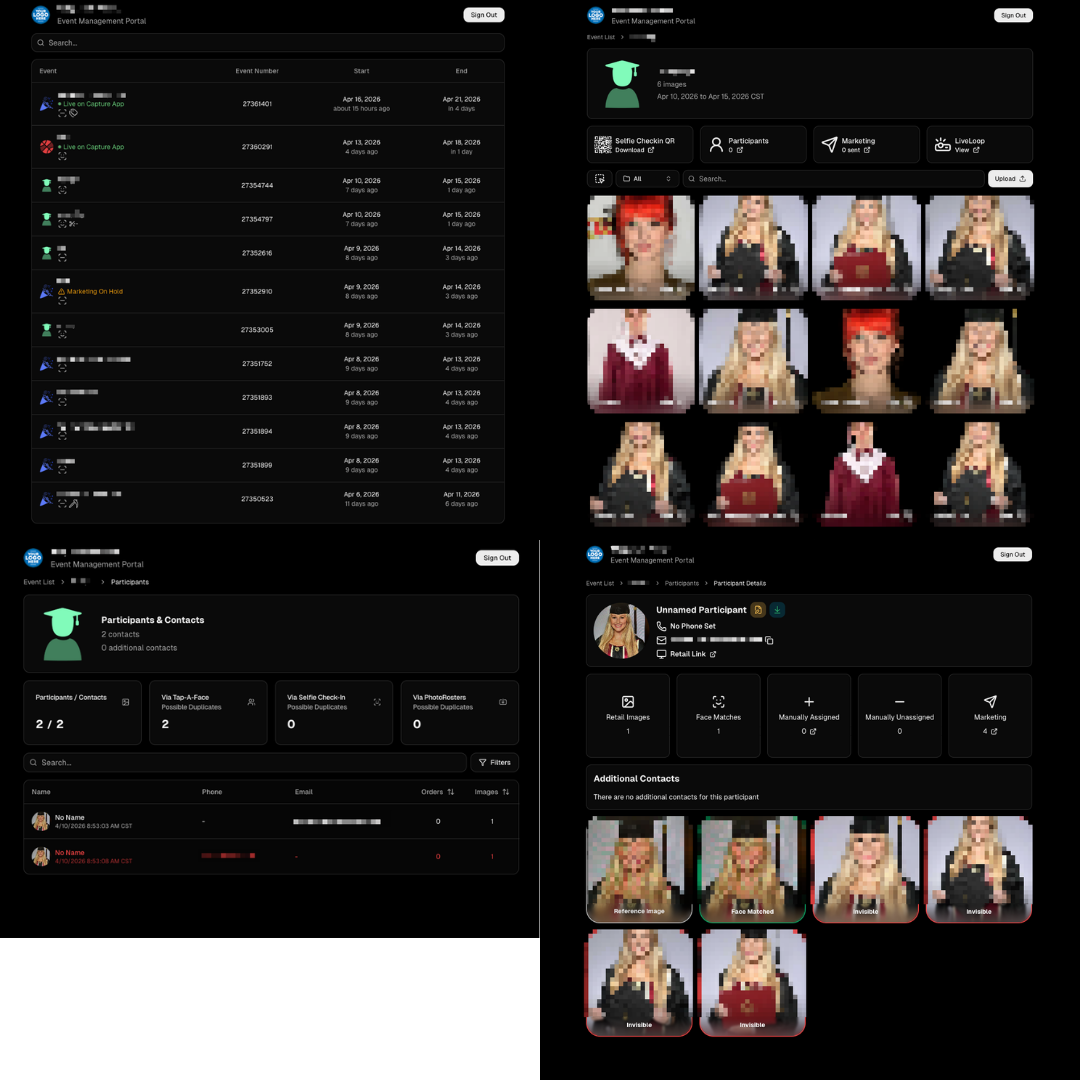
  • Clearer “active” events: Event List now shows “Live on Capture App” to indicate capture-ready status, as opposed to "Active" which caused confusion related to Face Matching.

That’s the scoop! 💫

Less friction, clearer signals, and stronger protection—so you can spend more time shooting and selling.

Keep being amazing,
Candy 🍬

Let’s get in touch

If you’re a photographer looking to add NowCandid services to your wheelhouse – set up a call by clicking the button below.

How to customize formatting for each rich text

How to customize formatting for each rich text

How to customize formatting for each rich text

How to customize formatting for each rich text

How to customize formatting for each rich text

What’s a Rich Text element?

The rich text element allows you to create and format headings, paragraphs, blockquotes, images, and video all in one place instead of having to add and format them individually. Just double-click and easily create content.

A rich text element can be used with static or dynamic content. For static content, just drop it into any page and begin editing. For dynamic content, add a rich text field to any collection and then connect a rich text element to that field in the settings panel. Voila!

Headings, paragraphs, blockquotes, figures, images, and figure captions can all be styled after a class is added to the rich text element using the "When inside of" nested selector system.

  • List One
  • List Two
  • List Three
  • List Four
  • List Five

This is a link

This is bold text