
Events
Webinars You Can't Miss

-(2).png)
%20(1).gif)
This week’s updates are packed with improvements that make your day-to-day workflow smoother—especially if you like clear answers, fewer edge cases, and cleaner experiences across Capture, Retail, and the Dashboard.
The headline this week: NowCandid Docs are officially live inside the Dashboard—and they’re already huge. Let’s jump in. 💫
We’ve launched official, up-to-date NowCandid documentation directly inside the Dashboard. Just click “Docs” in the sidebar to open it.
Here’s what makes it special:
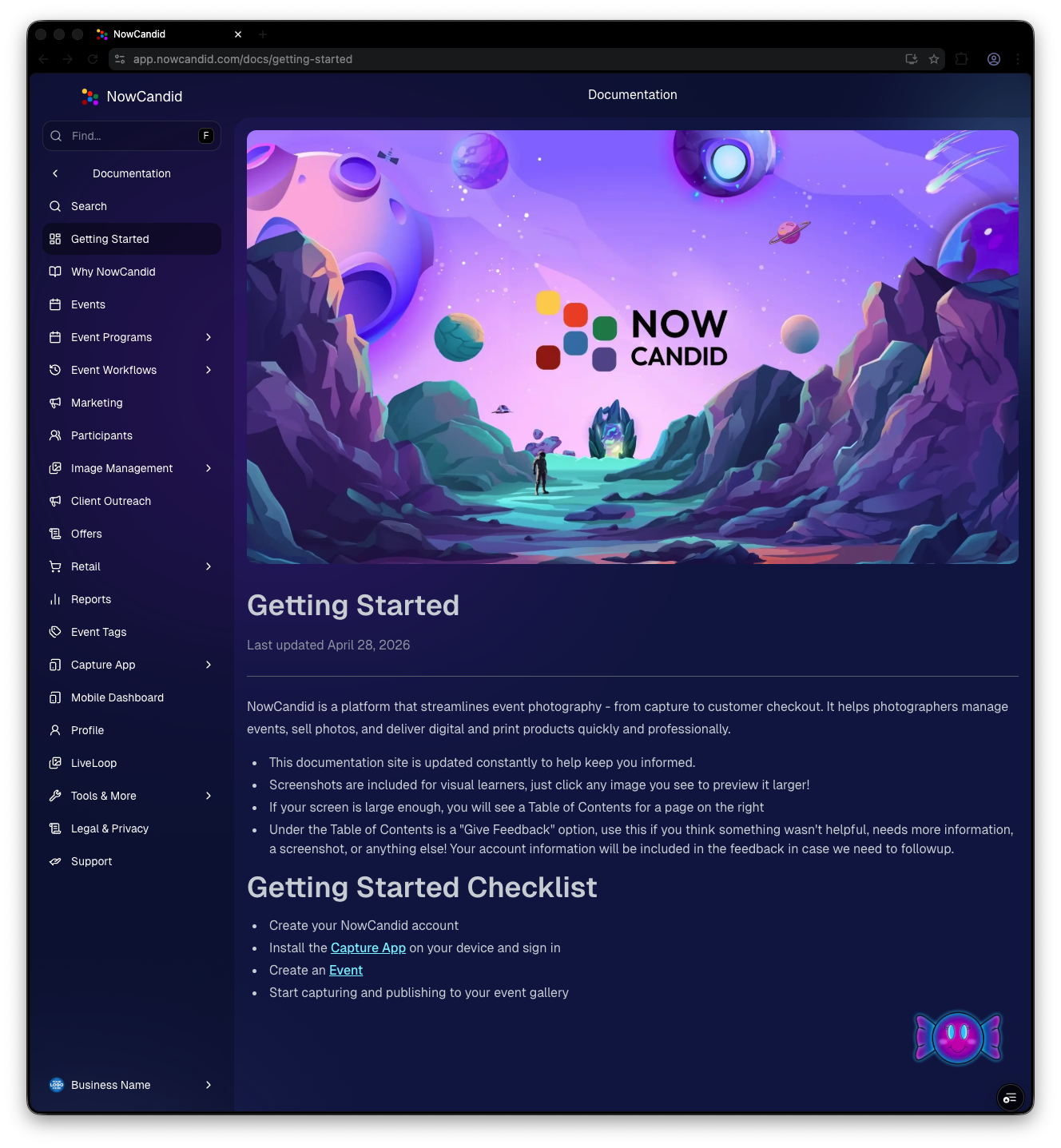
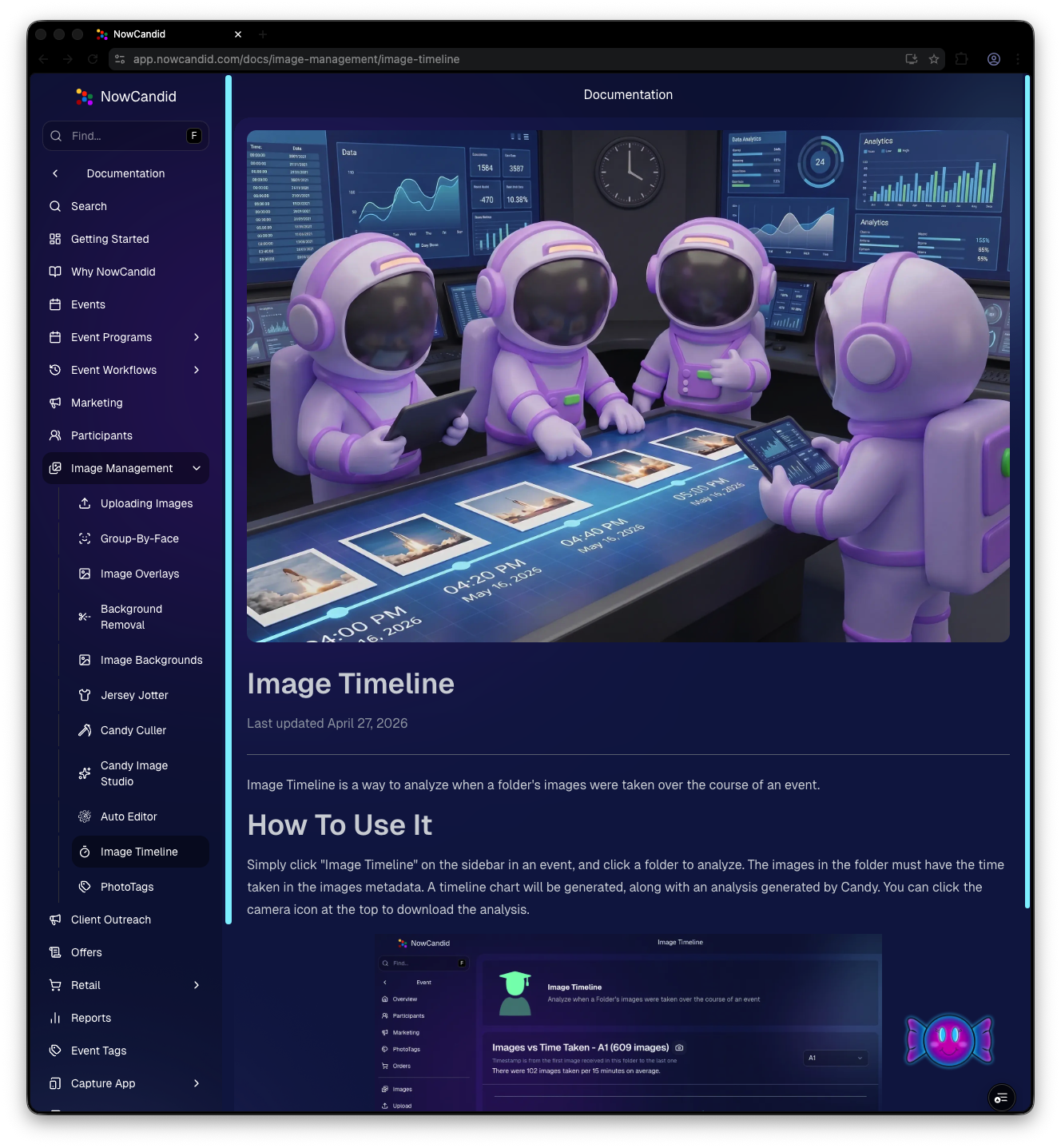
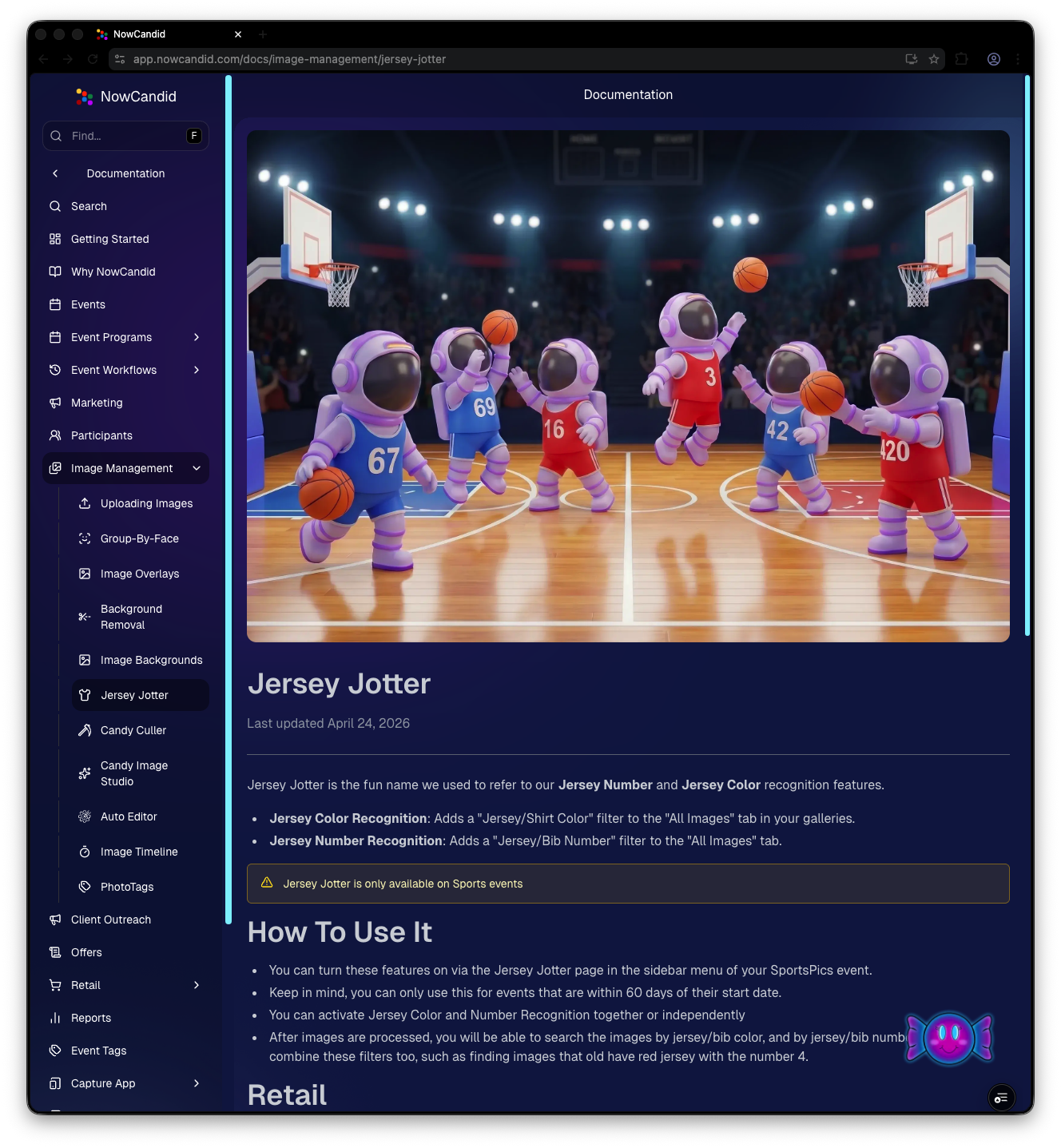
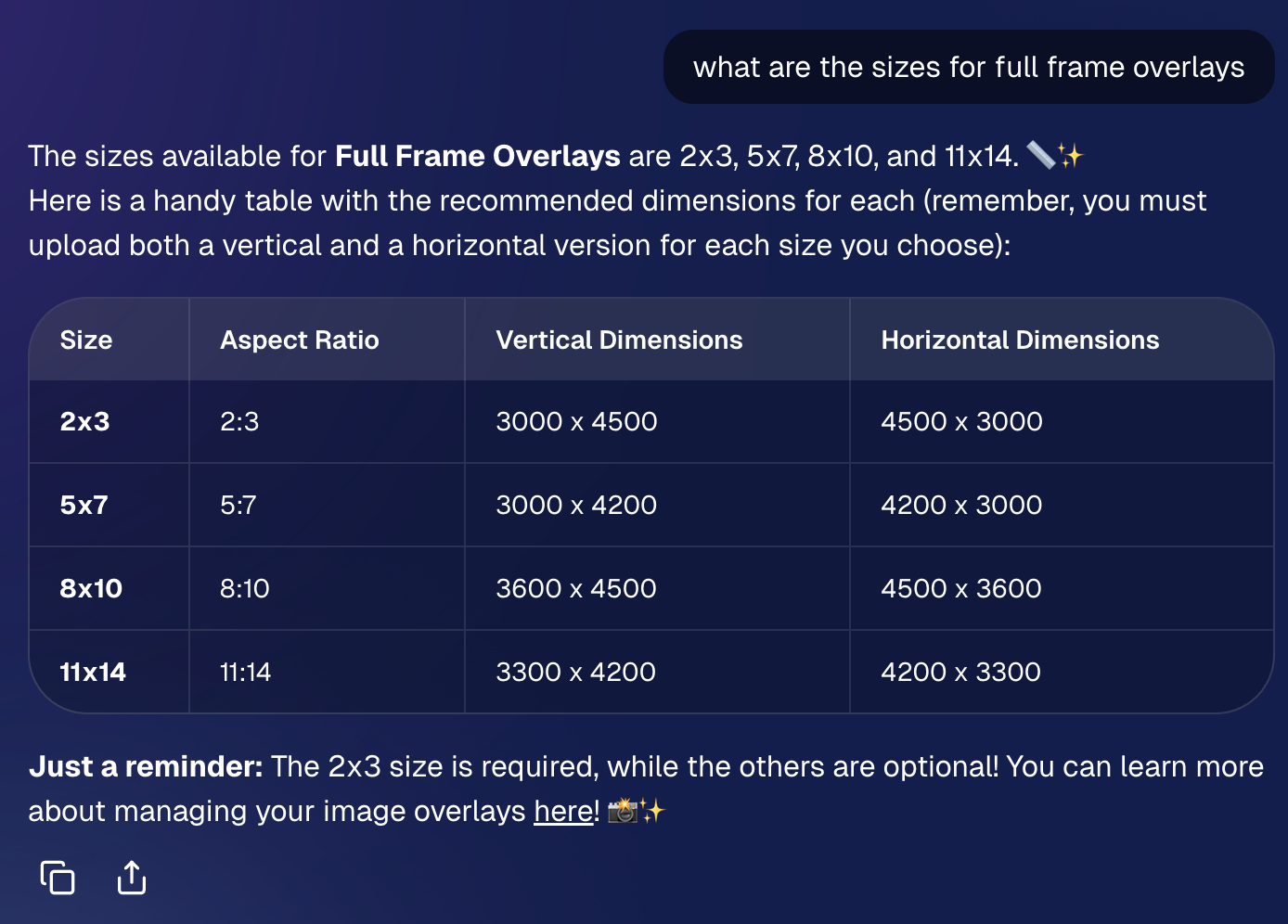
Candy now pulls from the new Docs when answering questions—so she can:
Also, the Candy Navigation Assistant now uses docs search as the fallback destination if it can’t find a page you’re looking for—often with your question prefilled!
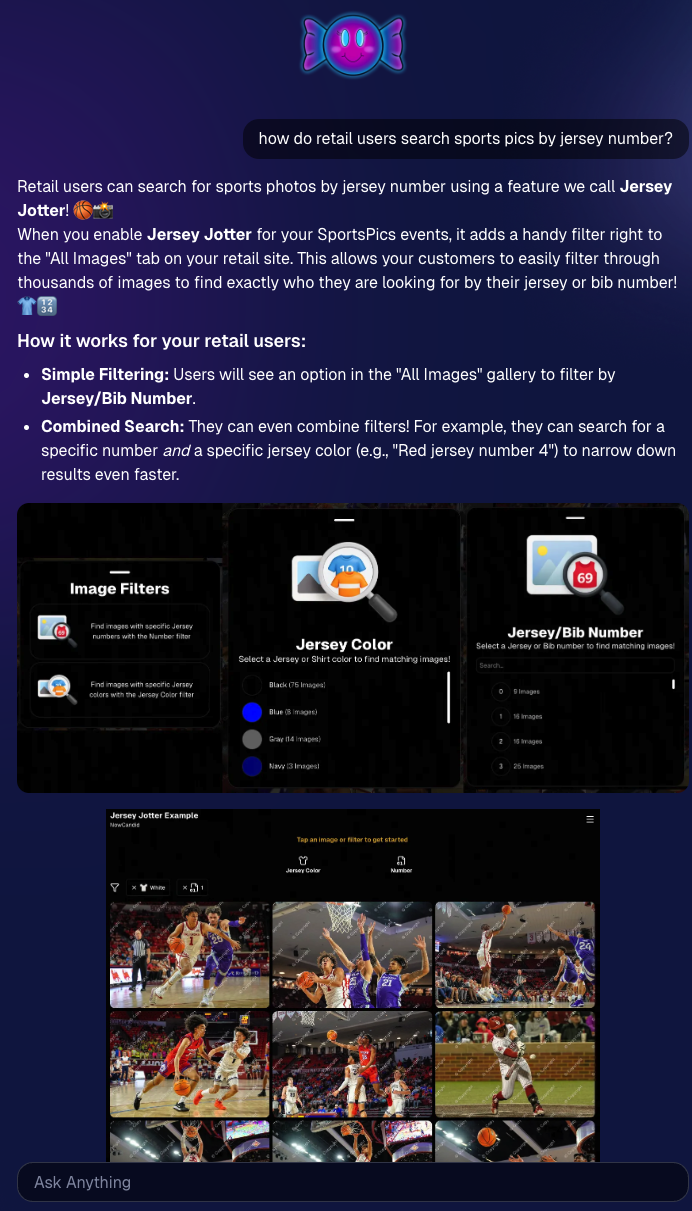
Capture App v5.6 is now available for iOS and Android (this is not an OTA update).
What changed:
A few retail updates landed that improve clarity and fix edge cases:
Candy received a bunch of UX upgrades, including:
This release is all about reducing friction—with official docs inside the Dashboard, a tighter Capture App, better retail behavior for BGR and z-crops, and Dashboard refinements that improve accuracy, clarity, and even lower messaging costs.
Keep creating magic,
— The NowCandid Team 🍬

A lot of platforms are happy to look affordable at first—and expensive later.
We prefer the opposite.
NowCandid™ is built to support photographers long-term, which means our pricing is designed to be easy to understand, easy to plan around, and easier to live with as your volume grows. When you’re running real events—schools, sports, graduations, leagues—the last thing you need is a platform that nickel-and-dimes you for the core tools required to deliver and sell images.
With NowCandid, your costs are straightforward:
That’s it.
There’s no subscription fee and no onboarding fee, so you’re not paying monthly just to keep your account active—or paying extra just to get started.
Many platforms charge extra for the features that actually make your events run smoothly. NowCandid includes the tools high-volume photographers rely on without tacking on separate line items.
Here’s what you don’t pay extra for:
That’s the difference between a platform that adds tools later and a platform that includes the tools up front.
When the platform includes the tools you actually need, two good things happen:
If your costs don’t balloon as you scale, more of every sale stays with you—without you having to raise prices just to cover software overhead.
You don’t have to stitch together multiple services (and multiple bills) to accomplish basic event goals like:
Those pieces are part of the core system—because they’re not “extras” in real event photography.
NowCandid is built to support photographers—not squeeze them. Our pricing model is intentionally structured so that the platform remains sustainable for your business as you grow, and so that more of what you earn stays with you.
If you want a platform that’s designed for high-volume reality—and doesn’t charge extra for the essentials—NowCandid is built for you.
Pricing, fees, and included features listed in this article are accurate as of the original publication date and may change over time. For the most current pricing and terms, please contact our team.
Hey photo friends! 👋
This week’s updates bring a mix of AI editing power, cleaner review tools, and a small boost to retail conversion clarity—plus a helpful Android Capture App fix.
Let’s jump in. 💫
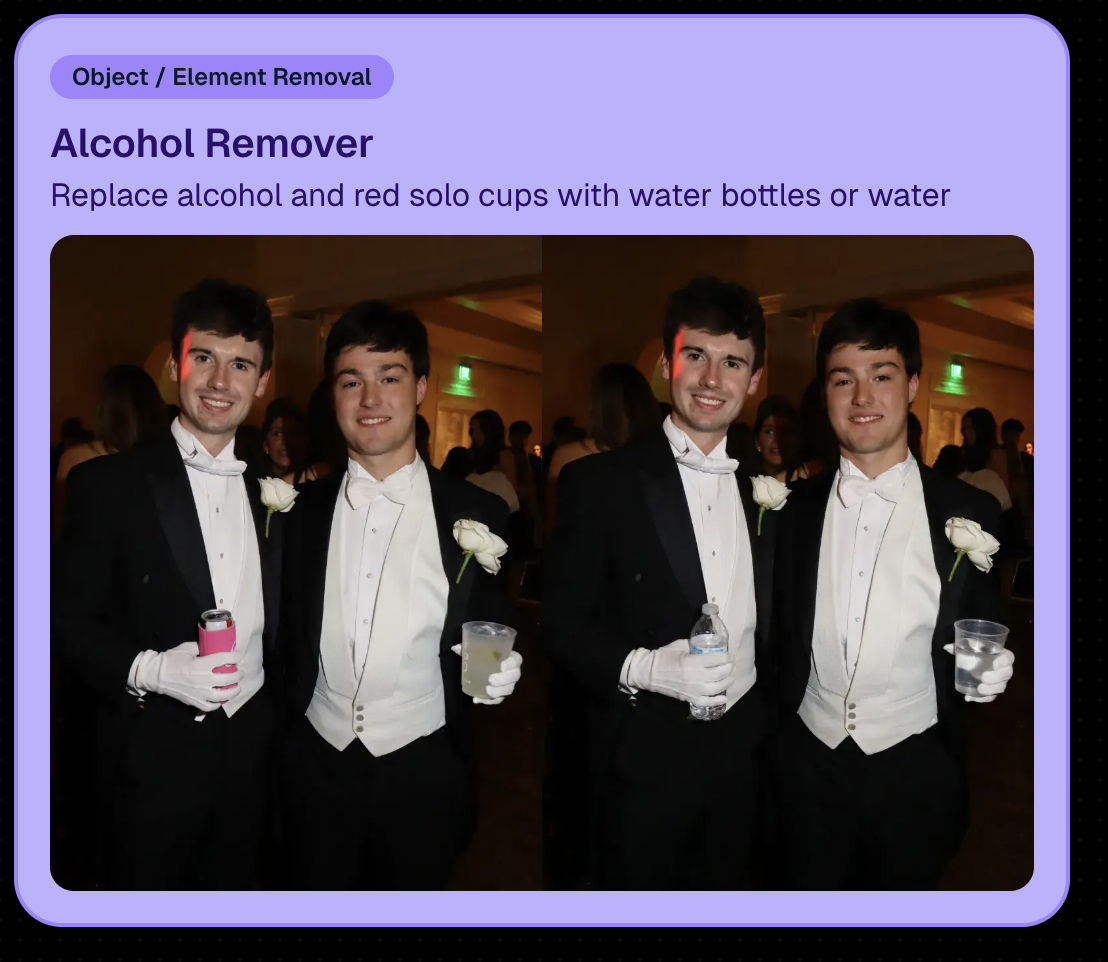
We’re rolling out an Auto Editor (Beta) that can automatically AI-edit:
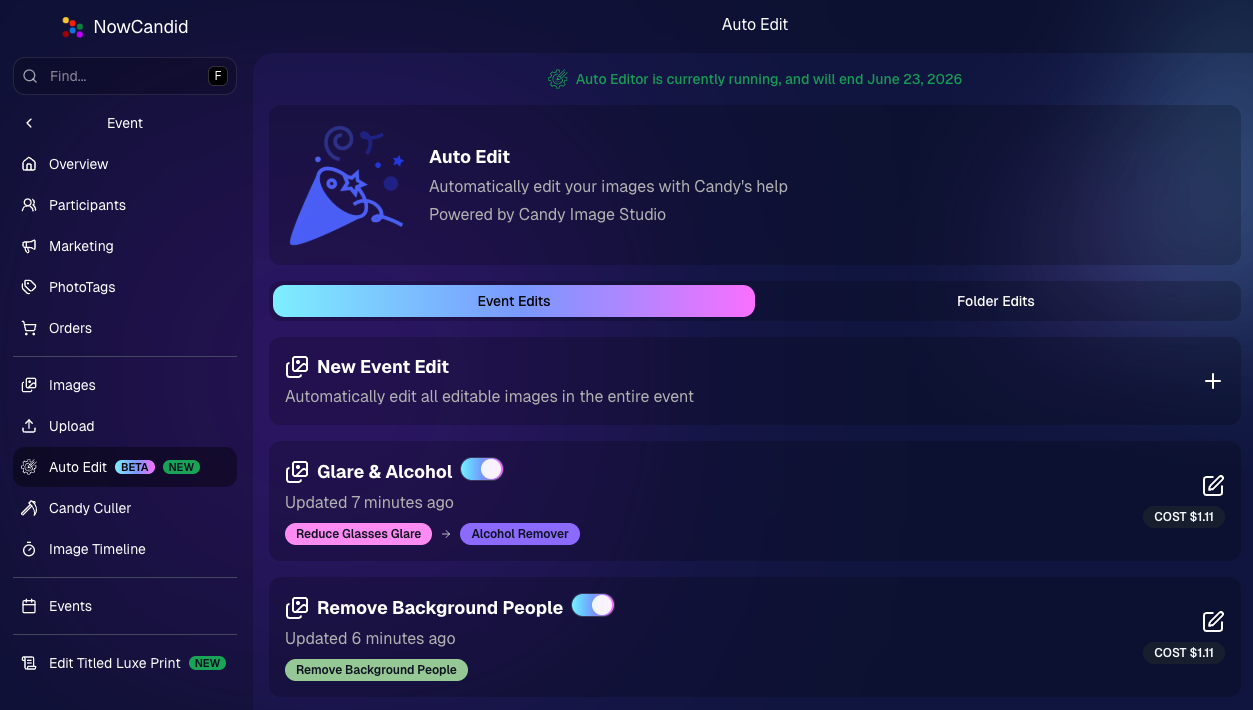
Auto Editor is powered by Candy Image Studio (same nodes, same pricing), and edited images keep their existing matches—just like when you run Candy Image Studio on an event image.
Important notes:
Common use cases
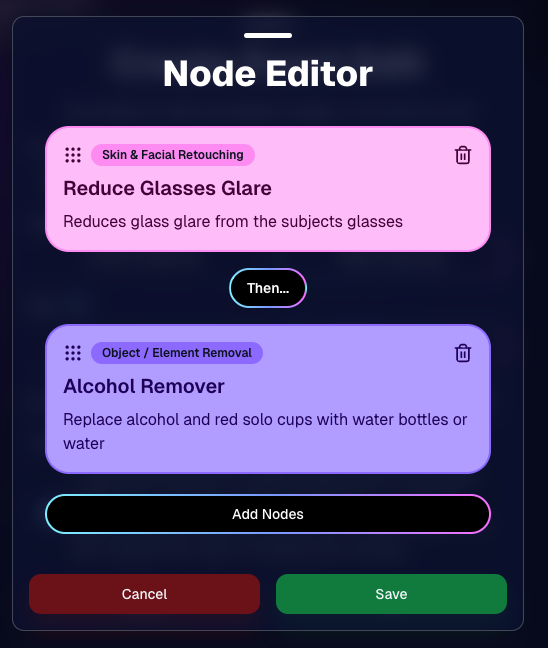
Fun use cases
Where to find it
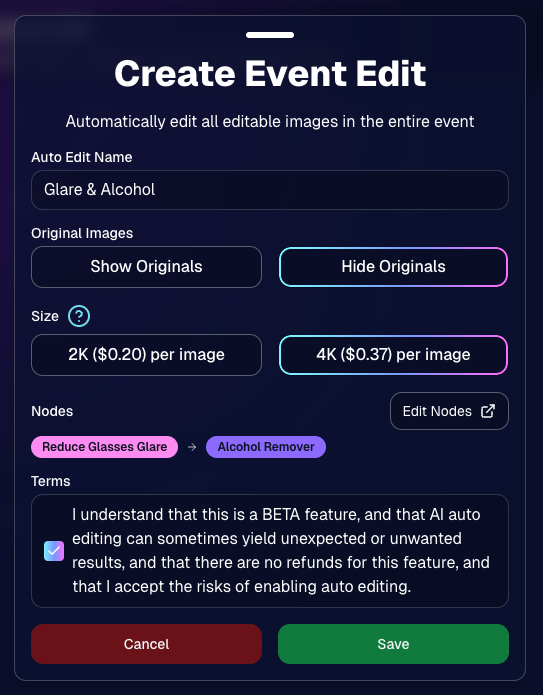
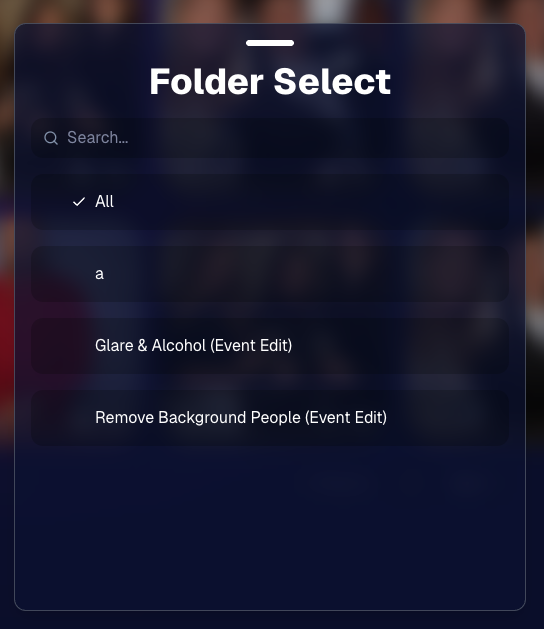
A few upgrades landed that make AI editing and review smoother:

Client Outreach texts no longer require a URL, but the system will show a warning if you try to send one without a link.
One important reminder: the number Client Outreach texts send from is different than the number used for automated event marketing—so recipients may not have any message history for context when they receive it.
The Event PhotoTags page now shows Contacts and Participants as separate columns for better clarity.
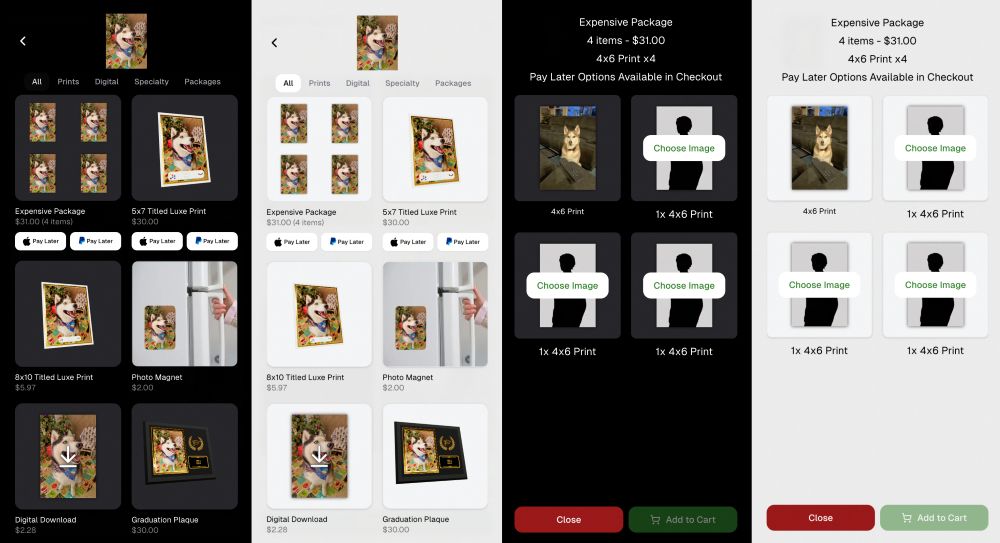
Retail now shows Apple Pay Later and PayPal Pay Later badges on the store sheet for items $30 or more.
A few notes:
Reminders on existing Pay Later availability:
The Capture App on Android (v5.5, Google Play) now fixes an issue where some cameras were sending duplicate images to the app.
Between the new Auto Editor (Beta), smoother “preview original” review flows, and clearer Pay Later messaging on retail, this update is all about saving time and helping customers convert with less friction.
Keep creating magic,
— The NowCandid Team 🍬
If you’re a photographer looking to add NowCandid services to your wheelhouse – set up a call by clicking the button below.
.svg)


What’s a Rich Text element?
The rich text element allows you to create and format headings, paragraphs, blockquotes, images, and video all in one place instead of having to add and format them individually. Just double-click and easily create content.
A rich text element can be used with static or dynamic content. For static content, just drop it into any page and begin editing. For dynamic content, add a rich text field to any collection and then connect a rich text element to that field in the settings panel. Voila!
Headings, paragraphs, blockquotes, figures, images, and figure captions can all be styled after a class is added to the rich text element using the "When inside of" nested selector system.
This is bold text
