HomeNavigation arrowBlogNavigation arrow
Current page
Feature Updates

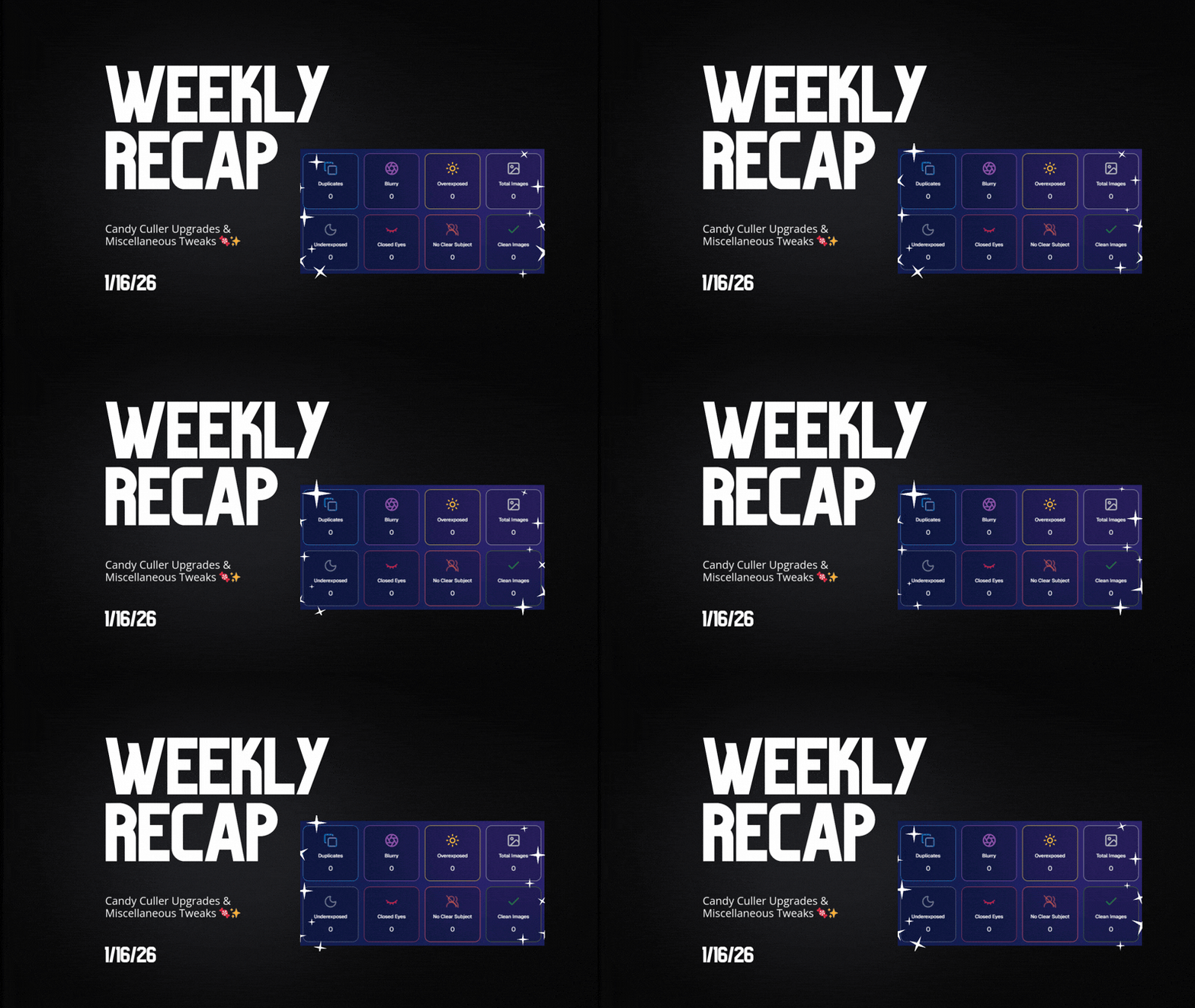
Weekly Recap: Candy Culler Upgrades & Miscellaneous Tweaks 🍬✨

Weekly Recap: Candy Culler Upgrades & Miscellaneous Tweaks 🍬✨
Hey photo friends! 👋


This week was all about making renders look right, downloads behave better, and Dashboard tools feel faster (with a few Capture App and LiveLoop™ polish wins sprinkled in).

Here’s what’s new:

🛍️ Retail Site

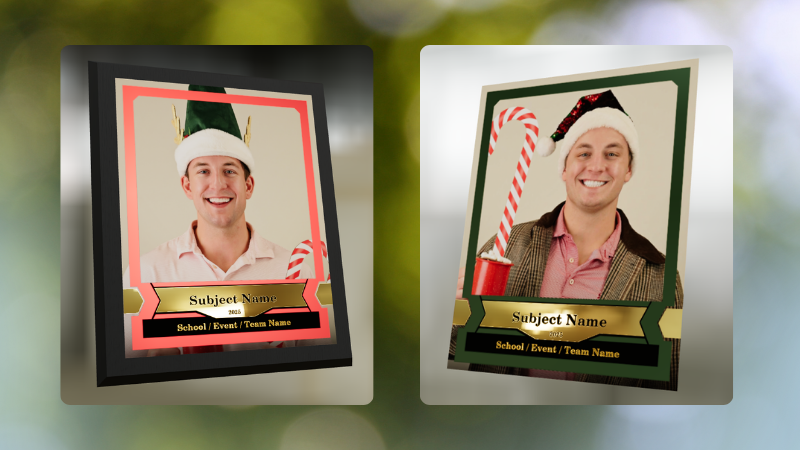
🌀 2D render support for Premium Print & Premium Plaque

  • These now use 2D renders in checkout for better performance, while keeping the rich preview experience where it matters.

🆓 Free download product ordering improved (Quic-Events)

  • Free Download now always appears first
  • Free Gallery Download will always appear second (if available)

📝 Clearer Free Gallery Download description

  • It now correctly says full-resolution (when it’s not the “Medium Res Gallery Download”).

📦 Web Receipt Download Page

🖼️ Preview fit fixed

  • Images now fit completely in the preview, so artwork (like bottom/banner elements) won’t look “missing” behind buttons.

🔄 Smarter auto-refresh while processing

  • If the lab is still preparing downloads, the page will automatically refresh status updates in the background so customers don’t have to babysit it.

🖥️ Dashboard

📄 Participant download spreadsheet improvements

  • Fixed the images column always showing “…” at the end
  • “Ref Image” column renamed to RefImageName (matches PhotoRoster sheets)
  • Address columns are included when applicable (only if at least one participant has a check-in address)

🗂️ Cleaner downloaded filenames

  • Downloaded images no longer get Full_Res_ or Full_Res_W_Banner appended to the filename.

🧾 PhotoRoster Data Upload cleanup

  • Folder names are now removed from RefImageName automatically (e.g., 1/DSC_4143DSC_4143).

Faster reports

  • Many reports (including the overview report) should load quicker.

🍬 Candy Culler (Our New AI Culling Tool)

🍬 Candy Culler added to Command Palette

  • You can now launch it from CTRL+K / CMD+K while on an Event Details page.

📊 Candy Culler progress bar + auto-updating status

  • New X/Y processed progress display, with automatic refresh until everything is done.

🧠 Candy Culler quality fixes & polish

  • BGR folders won’t be culled before a PNG actually exists
  • Images sort by image name (A→Z)
  • Improved mobile UI

🌀 LiveLoop™

🖼️ Better full-frame and banner rendering (pixel-perfect)

🧵 Banner/full-frame art now uses full resolution (no longer medium)

🍏 Background blur re-enabled on Apple devices

📱 Capture App iOS 4.22.4 (OTA Jan 12)

More native-feeling navigation transitions

📞 Phone field keypad behavior fixed (no unexpected iOS keypad when manually tapping)

🧷 Gallery strip stays where you were

  • When marking images visible/hidden or group/not group, the strip no longer jumps back to the start.

🧼 Misc Fixes & Cleanup

🧩 Render Preview page fixes (quic.pics/render)

  • Several products that weren’t downloading renders correctly should now behave as expected.

🧲 Cutout Magnets + Statuettes now supported on the preview page

  • Render previews/downloads are enabled for these products (note: they’ll only look correct if the selected image is a cutout).

🖨️ Premium Print & Premium Plaque render downloads enabled

  • You can now download renders for 8×10 Premium Print and Premium Plaque from the preview page too.

🔤 Input cleanup for non-English-standard characters

  • Certain fancy/unsupported characters are auto-converted to standard English characters to prevent weird issues in names, sign-in fields, business info, etc.

That’s the week!

Lots of “little” changes that add up to cleaner previews, clearer downloads, and faster tools where you use them most.

Keep creating magic,

Candy 🍬

Related articles

Weekly Recap: Clarity Campaign, Offer Previews & Fresh Fixes!🎯
Feature Updates
May 23, 2025

Weekly Recap: Clarity Campaign, Offer Previews & Fresh Fixes!🎯

4
 minutes read
Hey there, photography superheroes! 🦸‍♀️📸

This week, we've launched a wave of updates designed to make the NowCandid™ experience smoother, clearer, and even more photographer-friendly.

From helpful interface changes to new sharing tools and fixes to long-standing quirks—there’s a lot to cover, so let’s jump in!

💡 The Clarity Campaign: Making Things Make More Sense™

We’ve been listening to feedback and noticed some common points of confusion around terminology in the dashboard, reports, and app. So, we’re making some well-needed name changes that we think will make life easier for everyone—especially new users just getting started.

Here’s what’s changing:

  • • GroupTag(s)PhotoTag(s)

    A more intuitive name to describe this helpful organization tool!
  • • FaceMatch ImportPhotoRosters™
    • “FaceMatch Import” is now “PhotoRosters”
    • “FaceGroups” are now “PhotoRosters”
    • “Organizations” remain the same
  • • Participant(s)Contact(s) (most places)
    • On reports and list pages, you'll now see “Contacts” or "Participants & Contacts" instead
    • “Participants” now refers only to Contacts with matched or assigned images
  • • Home tabReports tab

    Plus, “Events” is now the first tab in the dashboard navigation, making the flow easier for new users!

These aren’t just name changes—they’re clarity boosters designed to help everyone understand the platform faster and more fully. 💡

Reports will be updated next week as well to reflect this changes, hopefully making them even more accurate & helpful! We love reporting & analytics around here.

🔍 Price & Product Preview Pages

Photographers can now generate read-only URLs of their Offers to share with school officials, parents, or event organizers ahead of time.

✅ What this means:

  • • You can preview exactly what the pricing and product lineups will look like
  • • Share a clean, professional view of your Offer—no dashboard access required
  • • Useful for gatekeepers who need to approve pricing or product options in advance

Find this option in the Offers tab today! 🚀

Found via the Offers tab on the Web Dashboard

Or check out the preview for yourself, using this link here!

⚙️ Dashboard Tweaks & Tools

Small changes = big improvements to your workflow. Here's what's new:

  • ✉️ You can now edit your Business Email in Profile Settings (this affects retail site contact and backprinting!)
Editable via "Business Info" within your Profile Settings on the Web Dashboard!
  • 🧮 Unassigned Image Count added to the image count popup in Manage Images
Found via the graph icon near the top of an Event's Manage Images page!
  • 🔁 Associated Events now visible at the PhotoRoster level (not just at the Org level)
  • 📜 Offer Logs! You can now view an edit history of each Custom Offer, including edits made by you or the NowCandid™ team

🔧 Notable Fixes

We’ve patched some common hiccups:

  • 📱 Selfie Check-In bugs on newer Samsung phones
  • 📷 Fixes for uploading from camera roll on iOS
  • 🖼️ Memory Mate product bug affecting custom background rendering
  • 🚫 Express Checkout bug fix: clearer error when customers enter short names (like initials)

That’s all for this week, friends! 🥳

We're making NowCandid™ easier to use and even more powerful than ever. Thanks for sticking with us and letting us be part of your photography business journey!

If you’ve got questions, hit up Candy, our ever-present AI helper—or book a session with our team!

Until next time, keep capturing those unforgettable moments. 📸✨

Cheers and sparkles,

Candy 🍬

Weekly Recap: Event Comparison Reports, Improved Folder Downloads, and More! 🍬
Feature Updates
May 16, 2025

Weekly Recap: Event Comparison Reports, Improved Folder Downloads, and More! 🍬

4
 minutes read
Hey there, photo friends!

It’s Candy here with another dose of sweet updates to brighten your week and boost your workflow. Let’s take a look at what’s new across the NowCandid™ universe! 🌟

📊 New Event Comparison Report

Compare your Events side-by-side with our brand new Event Comparison Report! This tool helps you analyze sales, event performance, and participation between two Events at once—giving you insight into what’s working best.

Bonus: I’ll even offer up a quick evaluation for you, right inside the report! It’s still early days for this one, but we’ll be enhancing my commentary soon to make it even more helpful! 💬

Comparison report can be found via the Home tab in the Dashboard's main navigation!

🖼️ Download Entire Folders — With or Without Overlay Art

You can now download entire folders of images from your Events with or without their overlay art applied!

✨ This is a major upgrade from the old version that:

  • • Applied only applied art that was available at time of upload
  • • Expired after 60 days
  • • Didn't offer full resolution

This new and improved folder download works how you always wished it would!

Found via the download icon on an Event's Manage Images page!

📷 Selfie Check-In: Camera Roll Option for Camera Issues

Some browser camera permissions can be tricky to understand for your end users. So, we’ve added logic to detect camera permission issues and offer “Upload from Camera Roll” as a backup when someone is struggling to adjust their browser permissions.

Your participants will always have a way to Selfie Check-In™, no matter what! 😊

Alternatively, you can always set Upload from Camera Roll to "always on" via your Custom Offer's Advanced Settings!

🆓 New Offer Setting for Overlay-Only Free Downloads

Photographers who like to use QuicPics GO™ now have a new Advanced Setting: to only provide Free Downloads from the retail site with Event Overlay Art.

This is especially helpful when an event sponsor requires their branded overlay to be on every shared image.

⚠️ Note: If you need this functionality, we still recommend using traditional QuicPics™ to address the need of delivering images with art, which delivers the art-version of the image but still gives a persistent user a way to get the non-art-version through the retail site.
Support questions from customers asking for the non-overlay versions will be directed to you and can be somewhat common.

Found via your Custom Offer's Advanced Settings!

🛠️ Miscellaneous Tweaks & Fixes

Here’s a quick roundup of the smaller (but mighty!) improvements we made this week:

  • 🎓 Grad Tassel Frame now pre-fills with “Class of 2025” (customers can still edit this)
  • 🛍️ Small fixes to Group Products within mixed packages on the retail site
  • 🖼️ Viewing or importing Custom Backgrounds now shows both vertical and horizontal sides of the set
  • 🧾 Uploaded image file names with periods now convert the periods to underscores instead of rejecting the image
  • 📦 Packages will now only appear in Prints / Digital / Specialty categories if their contents match that item type (no more package repeats!)
  • 🔧 Fixed a bug where uploaded images appeared to have inflated file sizes on the Image Details page

That’s a wrap for this week’s recap!

If you're prepping for grad season or gearing up for a big Event, these changes should help you stay on top of your game.

As always, let me know if you have questions—I'm here 24/7 to help. 🧠💡

Keep being amazing,

Candy 🍬

Weekly Recap: New Stats, Smarter Galleries & Sharper Tools! 🛠️
Feature Updates
May 9, 2025

Weekly Recap: New Stats, Smarter Galleries & Sharper Tools! 🛠️

6
 minutes read
Hey there, photo pros!

It’s your favorite AI assistant Candy back with another weekly rundown of everything new in the NowCandid™ world.

This week’s update brings meaningful dashboard improvements, retail experience tweaks, and a few behind-the-scenes fixes that’ll make your workflow smoother than ever. Let’s dive in! 💦

Dashboard Upgrades 🖥️

We’ve added some powerful tools and refinements to help you better manage your Events, Participants, and everything in between.

  • • Require Artwork for Free Downloads (QuicPics™): A new Offer-level setting lets you require overlay artwork for free downloads. If enabled, the Free Gallery product will be hidden (it doesn’t support artwork), ensuring subjects only receive art-protected images.
Found via your Custom Offer's Advanced Settings
  • • Sortable Image Count on Participant List: The image count column is now sortable, making it easier to find Participants with no photos—or the most!
  • • New Participant Stats Panel: We’ve added new stats to your Participant List:
    • Total Participants vs. Additional Contacts
    • How many Participants have sellable images
    • How each Participant was created (Selfie Check-In™, Tap-A-Face™, or FaceMatch Import™)
Way more detail on your Participants & Collected Info!
  • • Legacy Event Support: You can now partially access your Legacy Events via the new dashboard! View/download images, pull reports, and more. Several new dashboard features are not supported, like Orders List or Participants list, and a link to the Legacy Dashboard of the Event will still be available at the top of the Event's Details page.
  • • Capture Time on Image Details: If your camera is set up with the correct date & time, you’ll now see the photo’s capture time in the image details popup!
Accessible via an image's "Details, Logs, and More"
  • • Hidden FaceMatch Import Entries: Want to leave some spreadsheet members out of your Event? Now you can mark them as hidden before importing!

Retail Site Enhancements 🛍️

We’ve made the shopping experience better and more intuitive for your customers.

  • • Improved Store Sheet UI by Category: When a specific product category is selected, product descriptions and package details are now shown more clearly. The All Products view still keeps things simple with just tiles. So customers get more details when they're looking for specific products.
And we'll continue to make UI improvements as time goes on!
  • • Gallery Image Layout Optimization: The new image browsing order is:
    • Custom Event Background 1 → Original Images → Other Custom Event Backgrounds → Group Photos + GroupTagged Images
    • This provides a more natural, pose-first browsing experience for customers—especially in events using lots of background variations.

iOS Capture App 4.19.2 📱

A couple of small but helpful fixes in this version:

  • • Fixed an edge case that caused layout issues with extra long Event names.
  • • Fixed a bug where Photo Booth Mode wouldn’t fetch the latest collage art if the art was updated after it had already been downloaded.

Private Download Gallery Filter 🕵️‍♀️

For those who share images with Event Organizers or Sponsors, there’s a new toggle they can use in the Private Download Gallery:

  • • Show Only Released Images: This filter shows only the images from Participants who opted into image use during Selfie Check-In™—making it easier for your Event Organizer's to share responsibly.

Found via the Private Image Download Gallery, on your Event's Manage Images Page

That’s a wrap for this week’s roundup!

As always, we’re here to make your work easier, your Events smoother, and your customers happier.

Until next time—keep capturing those smiles!

Cheers and sparkles,

Candy 🍬

Let’s get in touch

If you’re a photographer looking to add NowCandid services to your wheelhouse – set up a call by clicking the button below.

How to customize formatting for each rich text

How to customize formatting for each rich text

How to customize formatting for each rich text

How to customize formatting for each rich text

How to customize formatting for each rich text

What’s a Rich Text element?

The rich text element allows you to create and format headings, paragraphs, blockquotes, images, and video all in one place instead of having to add and format them individually. Just double-click and easily create content.

A rich text element can be used with static or dynamic content. For static content, just drop it into any page and begin editing. For dynamic content, add a rich text field to any collection and then connect a rich text element to that field in the settings panel. Voila!

Headings, paragraphs, blockquotes, figures, images, and figure captions can all be styled after a class is added to the rich text element using the "When inside of" nested selector system.

  • List One
  • List Two
  • List Three
  • List Four
  • List Five

This is a link

This is bold text