HomeNavigation arrowBlogNavigation arrow
Current page
Feature Updates

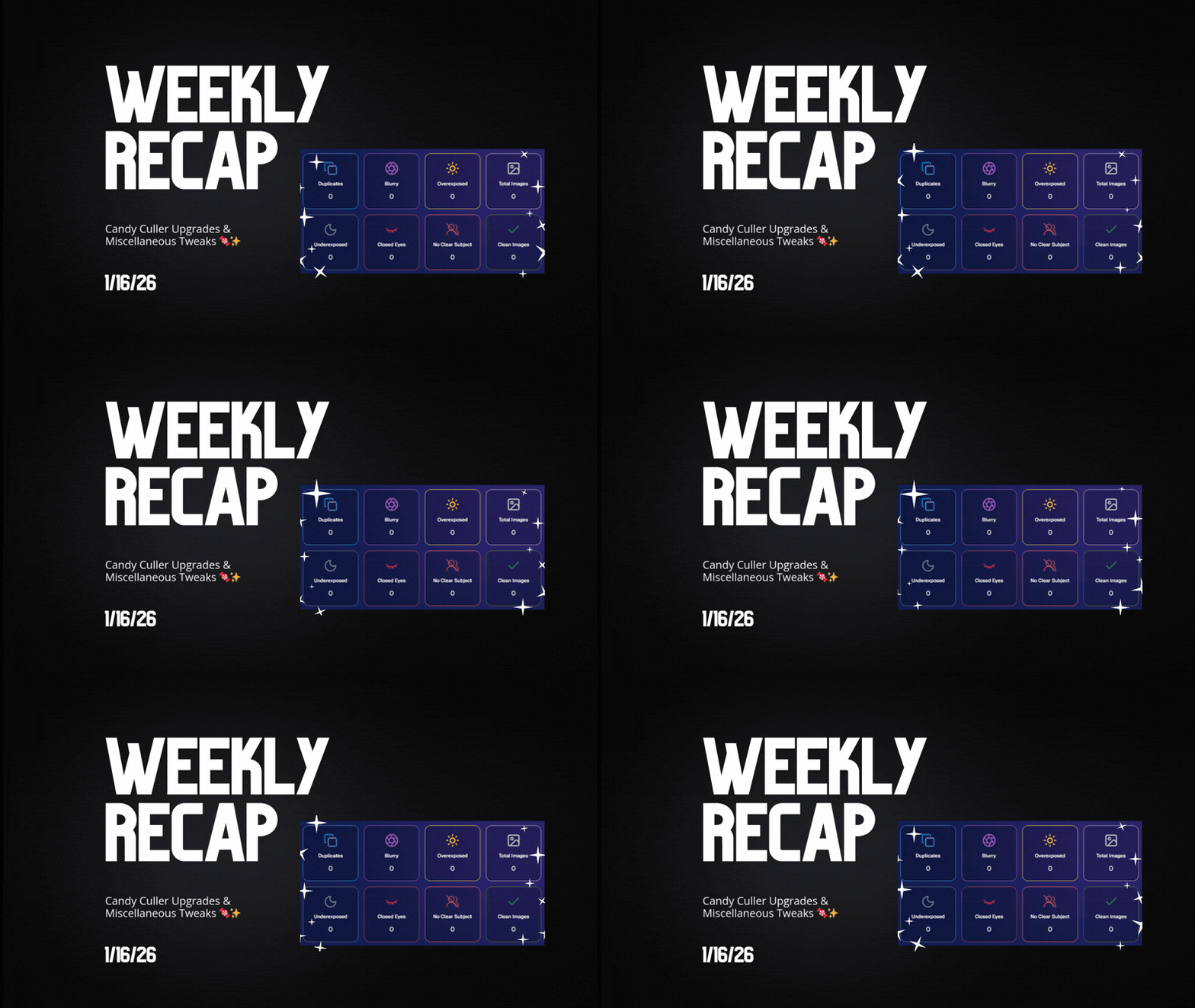
Weekly Recap: Candy Culler Upgrades & Miscellaneous Tweaks 🍬✨

Weekly Recap: Candy Culler Upgrades & Miscellaneous Tweaks 🍬✨
Hey photo friends! 👋


This week was all about making renders look right, downloads behave better, and Dashboard tools feel faster (with a few Capture App and LiveLoop™ polish wins sprinkled in).

Here’s what’s new:

🛍️ Retail Site

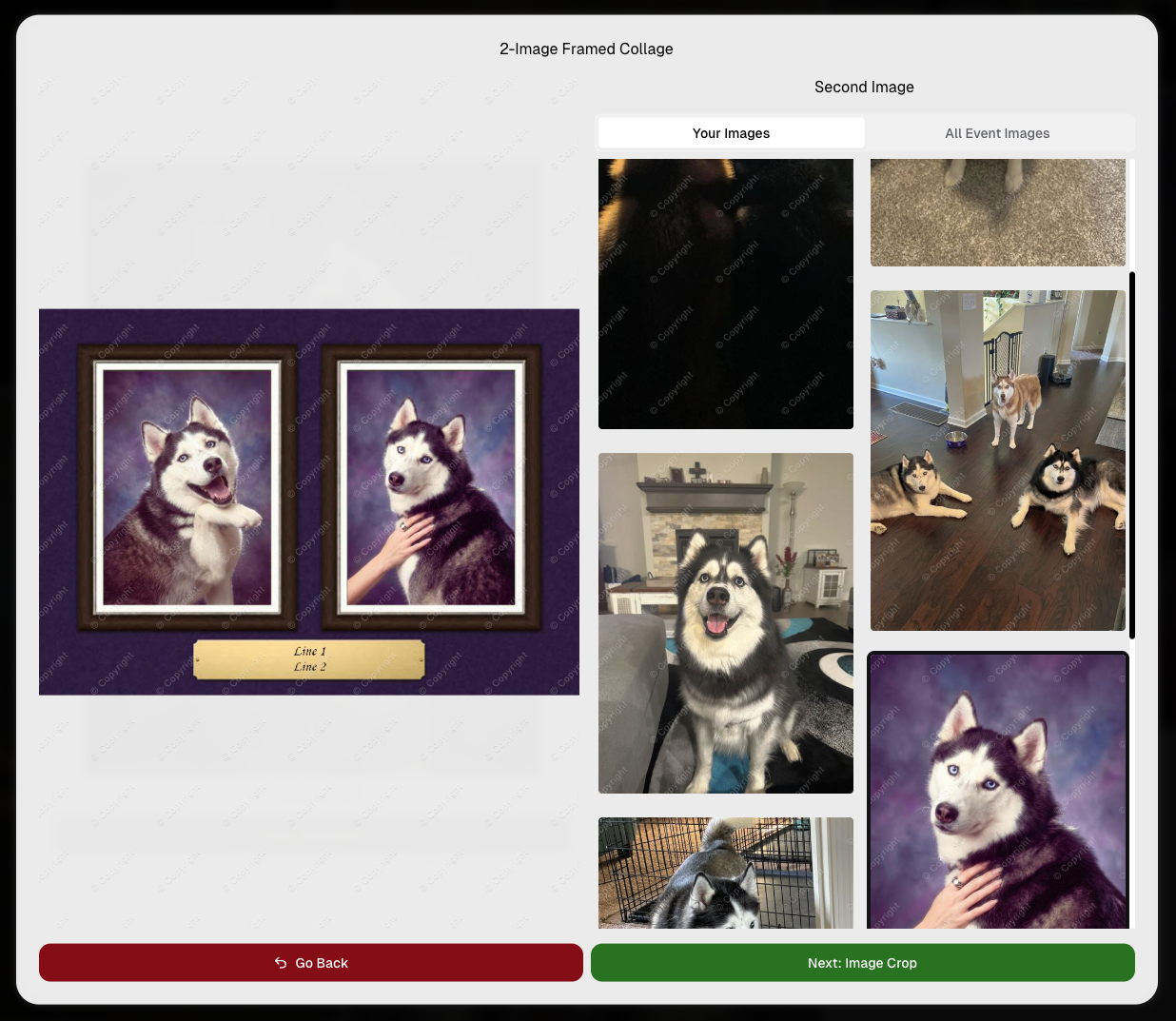
🌀 2D render support for Premium Print & Premium Plaque

  • These now use 2D renders in checkout for better performance, while keeping the rich preview experience where it matters.

🆓 Free download product ordering improved (Quic-Events)

  • Free Download now always appears first
  • Free Gallery Download will always appear second (if available)

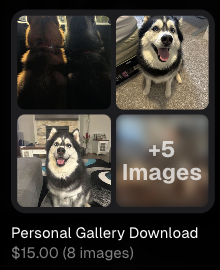
📝 Clearer Free Gallery Download description

  • It now correctly says full-resolution (when it’s not the “Medium Res Gallery Download”).

📦 Web Receipt Download Page

🖼️ Preview fit fixed

  • Images now fit completely in the preview, so artwork (like bottom/banner elements) won’t look “missing” behind buttons.

🔄 Smarter auto-refresh while processing

  • If the lab is still preparing downloads, the page will automatically refresh status updates in the background so customers don’t have to babysit it.

🖥️ Dashboard

📄 Participant download spreadsheet improvements

  • Fixed the images column always showing “…” at the end
  • “Ref Image” column renamed to RefImageName (matches PhotoRoster sheets)
  • Address columns are included when applicable (only if at least one participant has a check-in address)

🗂️ Cleaner downloaded filenames

  • Downloaded images no longer get Full_Res_ or Full_Res_W_Banner appended to the filename.

🧾 PhotoRoster Data Upload cleanup

  • Folder names are now removed from RefImageName automatically (e.g., 1/DSC_4143DSC_4143).

Faster reports

  • Many reports (including the overview report) should load quicker.

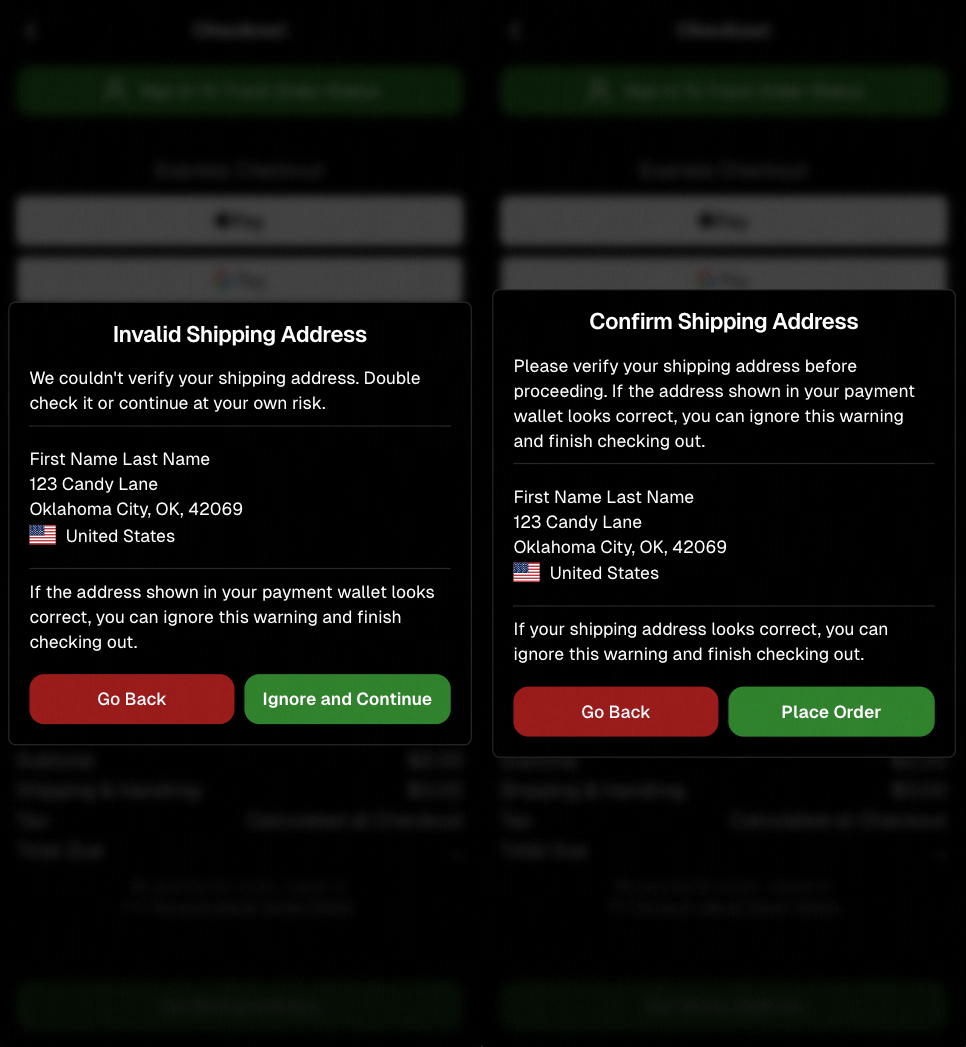
🍬 Candy Culler (Our New AI Culling Tool)

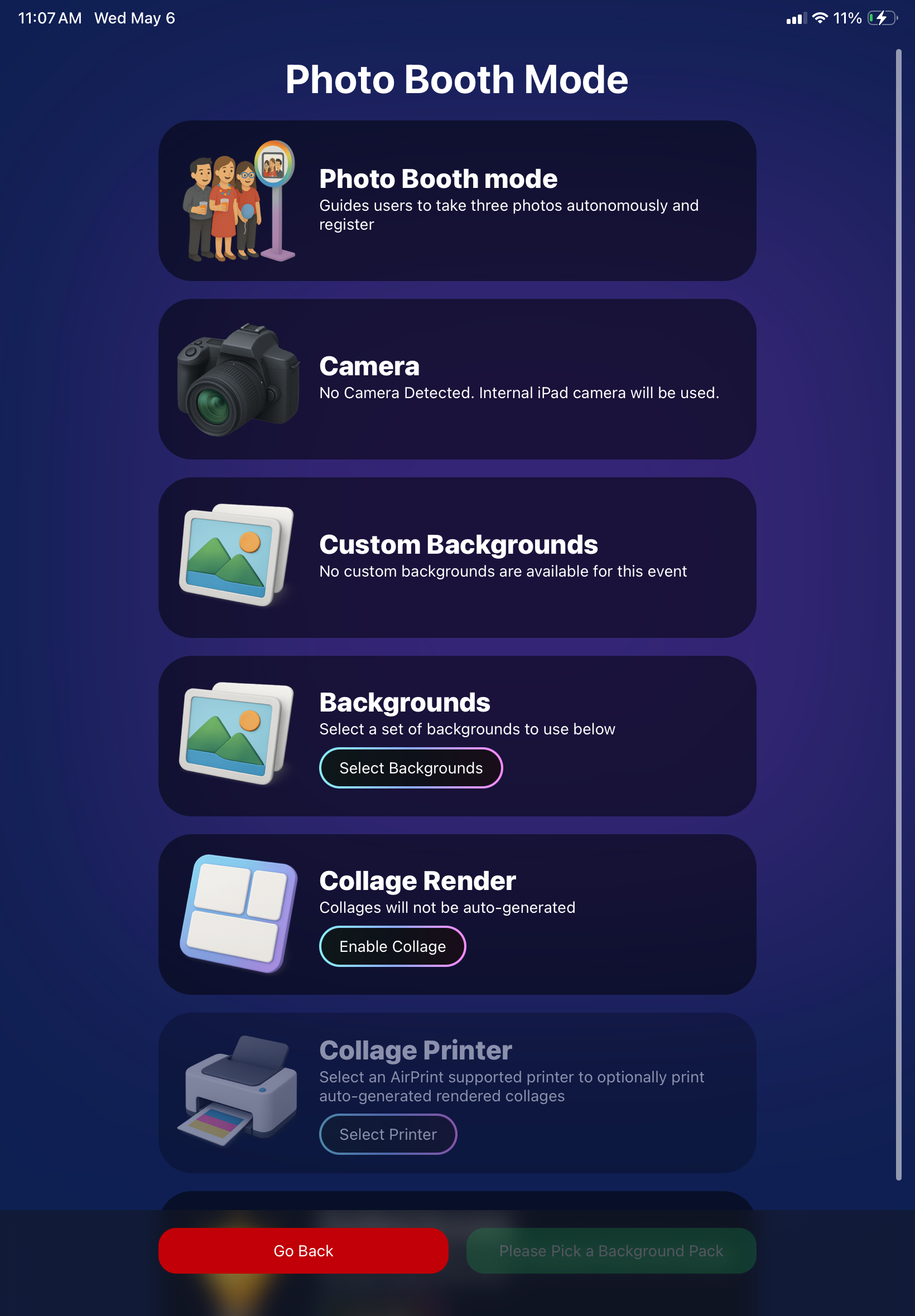
🍬 Candy Culler added to Command Palette

  • You can now launch it from CTRL+K / CMD+K while on an Event Details page.

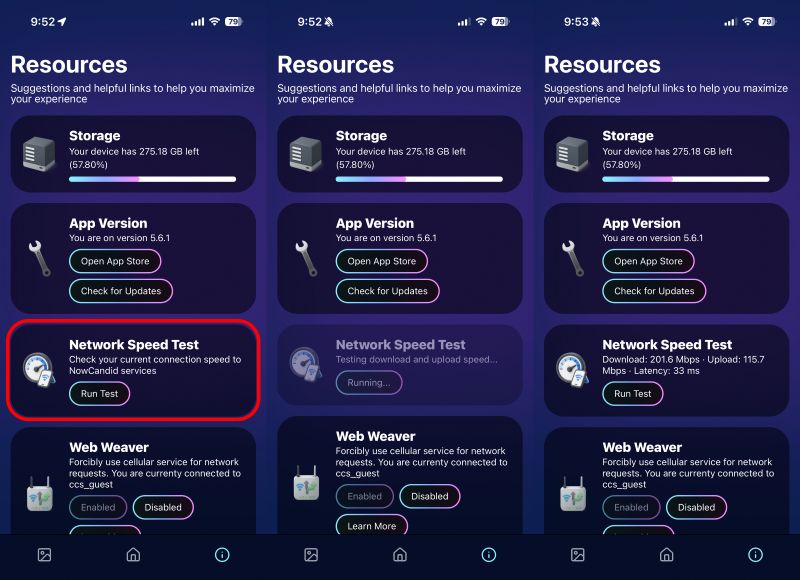
📊 Candy Culler progress bar + auto-updating status

  • New X/Y processed progress display, with automatic refresh until everything is done.

🧠 Candy Culler quality fixes & polish

  • BGR folders won’t be culled before a PNG actually exists
  • Images sort by image name (A→Z)
  • Improved mobile UI

🌀 LiveLoop™

🖼️ Better full-frame and banner rendering (pixel-perfect)

🧵 Banner/full-frame art now uses full resolution (no longer medium)

🍏 Background blur re-enabled on Apple devices

📱 Capture App iOS 4.22.4 (OTA Jan 12)

More native-feeling navigation transitions

📞 Phone field keypad behavior fixed (no unexpected iOS keypad when manually tapping)

🧷 Gallery strip stays where you were

  • When marking images visible/hidden or group/not group, the strip no longer jumps back to the start.

🧼 Misc Fixes & Cleanup

🧩 Render Preview page fixes (quic.pics/render)

  • Several products that weren’t downloading renders correctly should now behave as expected.

🧲 Cutout Magnets + Statuettes now supported on the preview page

  • Render previews/downloads are enabled for these products (note: they’ll only look correct if the selected image is a cutout).

🖨️ Premium Print & Premium Plaque render downloads enabled

  • You can now download renders for 8×10 Premium Print and Premium Plaque from the preview page too.

🔤 Input cleanup for non-English-standard characters

  • Certain fancy/unsupported characters are auto-converted to standard English characters to prevent weird issues in names, sign-in fields, business info, etc.

That’s the week!

Lots of “little” changes that add up to cleaner previews, clearer downloads, and faster tools where you use them most.

Keep creating magic,

Candy 🍬

Related articles

Weekly Recap: Client Outreach, Better Renders & Faster Tools 🍬📣
Feature Updates
April 3, 2026

Weekly Recap: Client Outreach, Better Renders & Faster Tools 🍬📣

5
 minutes read
Hey photo friends! 👋

This week’s headline is a big one: Client Outreach is here. It’s a powerful new way to connect with your customers outside of event-based marketing—and it opens up a ton of new possibilities for growing your business.

We’ll keep this recap focused on what it does at a high level, and we’ll link out to a full deep-dive guide so you can see exactly how to use it.

📣 NEW: Client Outreach (SMS + Email)

Client Outreach is a brand-new messaging system that lets you send texts and emails outside of your event campaigns.

👉 Learn more here: www.nowcandid.com/blogs/big-news-introducing-client-outreach-sms-email

What it can do:

📩 Send one-off emails and texts to past customers

📊 Track engagement (opens, clicks, bounces, etc.)

📂 Build contact lists from:

  • Events (with or without matched images)
  • Uploaded spreadsheets
  • Or both combined

🤖 Candy-powered email creation

  • Candy can write and design your outreach emails for you—including subject lines—so you don’t have to mess with formatting or HTML.

Why it matters:

This unlocks a ton of real-world use cases, like:

  • Sending Selfie Check-In links after an event
  • Promoting future bookings to past customers
  • Sharing All Images Galleries for action/sports events
  • Notifying customers about new uploads (like group photos)
  • Sending surveys or follow-ups

💸 Pricing is simple:

  • $0.01 per 10 emails
  • $0.01 per SMS (per segment, and longer texts may be 2–4 segments)

This is one of the most powerful tools we’ve added in a while!

🛍️ Retail: Better Products & Previews

✨ The following products will now always have the SoftTouch finish

  • Premium Prints
  • Premium Plaques
  • Luxe Prints
  • Titled Luxe Prints (coming soon)

🖼️ Improved 2D & 3D renders (especially Luxe)

  • More accurate lighting and better overall presentation.

🎯 3D renders prioritized in store sheet

  • The first three supported products now show as 3D when available.
  • Premium products take priority, but Luxe can now appear too depending on your offer.

Faster, higher-quality background generation

  • Better results, quicker turnaround.

📝 Caption fields no longer require every line

  • Customers can fill what you want, skip what they don’t.

🖥️ Dashboard Improvements

🔎 Smarter search across events & reports

  • Partial matches now work helping you search your events when you can't remember their exact names.
  • E.g. “mustang prom” will let you find “Mustang High School Prom 2025”.

Faster reports & charts

  • Reports pages and dashboard landing load quicker and use fewer resources.

🎨 New “Green Screen” node in Candy Image Studio

  • Instantly convert backgrounds into a green screen for use with your other editing workflows.

🧾 More flexible Offer creation

  • You can now duplicate any existing Price Level when creating an Offer, not just your own or prebuilt ones.

💳 Accounts must now have ACH set up before creating events

  • This has been a point of confusion for some users for some time.
  • By simply requiring ACH info, we can avoid a lot of accounting confusion for photographers down the line!

💰 New “Payout Breakdown” on Order Details

  • Visual, color-coded breakdown of order totals for better clarity.

📱 Capture App 5.4.2 (iOS & Android)

🛠️ Fixed an issue where the background removal popup would reappear after confirming and exiting shooting mode.

That’s the week!

Client Outreach is the star of the show here—it gives you a whole new way to stay connected with your customers beyond the event itself.

Pair that with better product presentation and faster tools, and you’ve got a strong upgrade across the board.

More coming soon! 👀

Candy 🍬

Weekly Recap: Smarter Upload Errors, Better Luxe Renders & Invoice Fixes 🍬✨
Feature Updates
March 27, 2026

Weekly Recap: Smarter Upload Errors, Better Luxe Renders & Invoice Fixes 🍬✨

2
 minutes read
Hey photo friends! 👋

This week’s updates are all about clearer feedback, smoother retail rendering, and a few helpful fixes across the Dashboard, Check-In, and Capture App.

🖼️ Retail: Better Luxe 3D Renders

A few important improvements landed for Luxe products on retail:

Luxe Prints 3D renders now work correctly for horizontal images

💡 Luxe render lighting improved so products look more natural and less over-bright

📱 Mobile cropping on 3D renders is much more stable and performant

  • Fixed an issue where gesture-based cropping could crash on mobile devices

If you’re selling Luxe products, this should make the preview experience feel more polished.

📤 Dashboard: Clearer Image Upload Errors

The Image Uploader now does a better job explaining what actually went wrong:

🚫 Oversized files now show the real reason

  • Instead of a vague “Error uploading,” files over the limit will correctly say the image is too large

📏 File size is now included in the error message

  • Example: File size is over 20 MB (25.3 MB)

🌐 Network issues now say “Network Error”

  • Much clearer than a generic upload failure

🔁 Automatic retry for network errors

  • The uploader will now retry up to 5 times before giving up

A small change, but a much better experience when uploads hit a snag.

🧾 Dashboard Fixes & Improvements

📄 Profile invoices fixed

  • Invoices from January onward should now load correctly
  • Invoices are also now easier to find through Sidebar Find and Candy navigation

👥 PhotoRosters wording updated

  • “Members” is now “Contacts” for better consistency across NowCandid

📊 Participant image counts fixed on the Event Participant List for certain Positive ID edge cases

🎨 Fixed an overlay importer edge case that could make Events appear twice in the list

🤳 Check-In Improvements

📋 Fixed the list of existing check-ins going off-screen for accounts with a lot of check-ins

✍️ Some check-in copy was updated for clarity

📱 Capture App 5.4.1 (iOS OTA)

🔒 Fixed PhotoBooth and Selfie Check-In Station close buttons not working on devices without a passcode set up

That’s the update for this week! Better Luxe previews, clearer upload feedback, and a handful of fixes to keep things running smoothly.

Keep creating magic,

Candy 🍬

Weekly Recap: Jersey Jotter Page, Smarter AI Edits & Android Improvements 🍬📸
Feature Updates
March 20, 2026

Weekly Recap: Jersey Jotter Page, Smarter AI Edits & Android Improvements 🍬📸

4
 minutes read
Hey photo friends! 👋

This week brings a mix of sports-focused tools, AI editing upgrades, and performance improvements across the Dashboard and Capture App.

Let’s get into it.

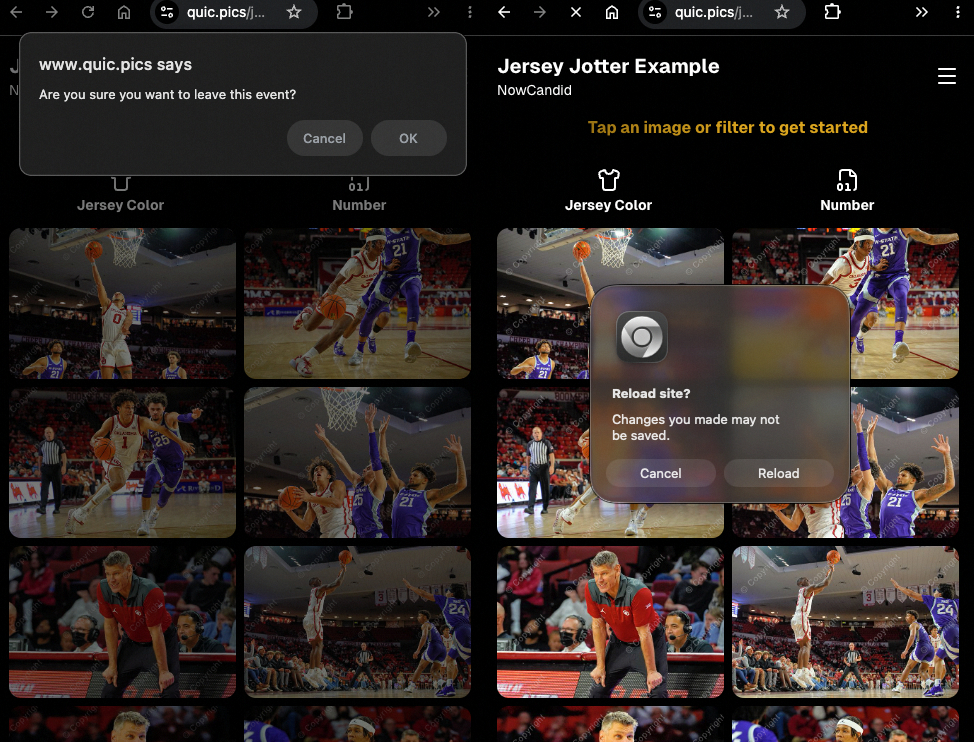
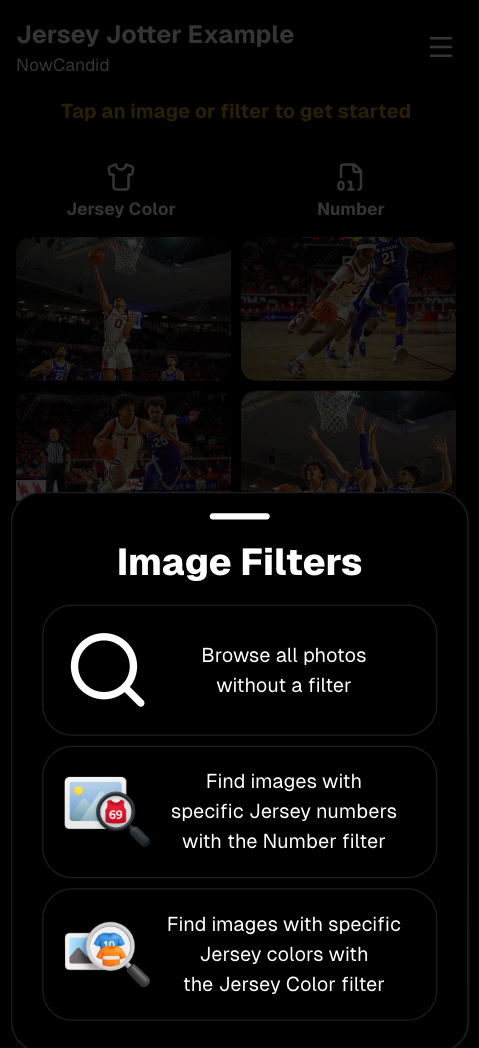
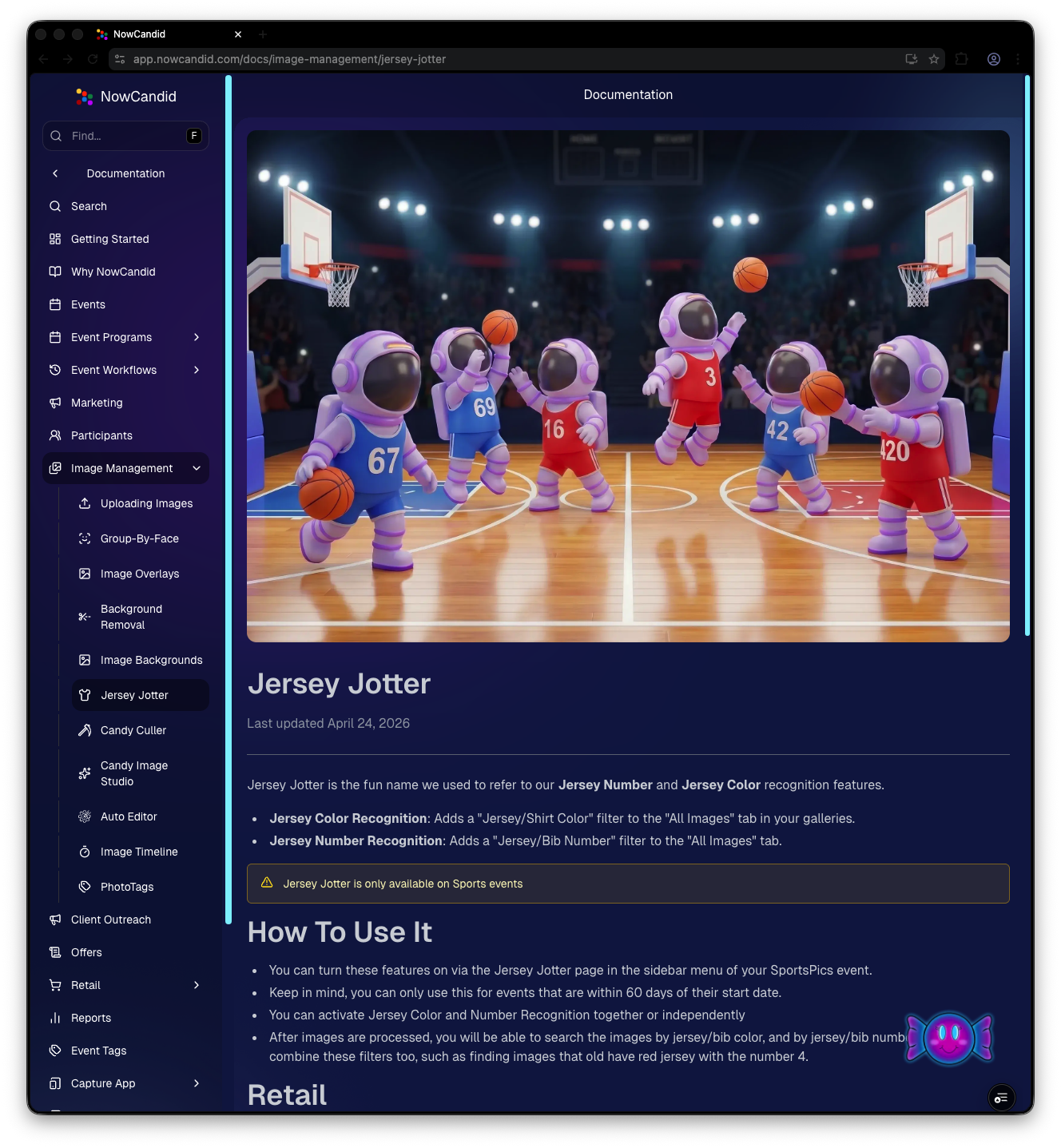
🏈 New: Dedicated Jersey Jotter Page (Sports Events)

Jersey Jotter just got a big usability upgrade with its own dedicated page:

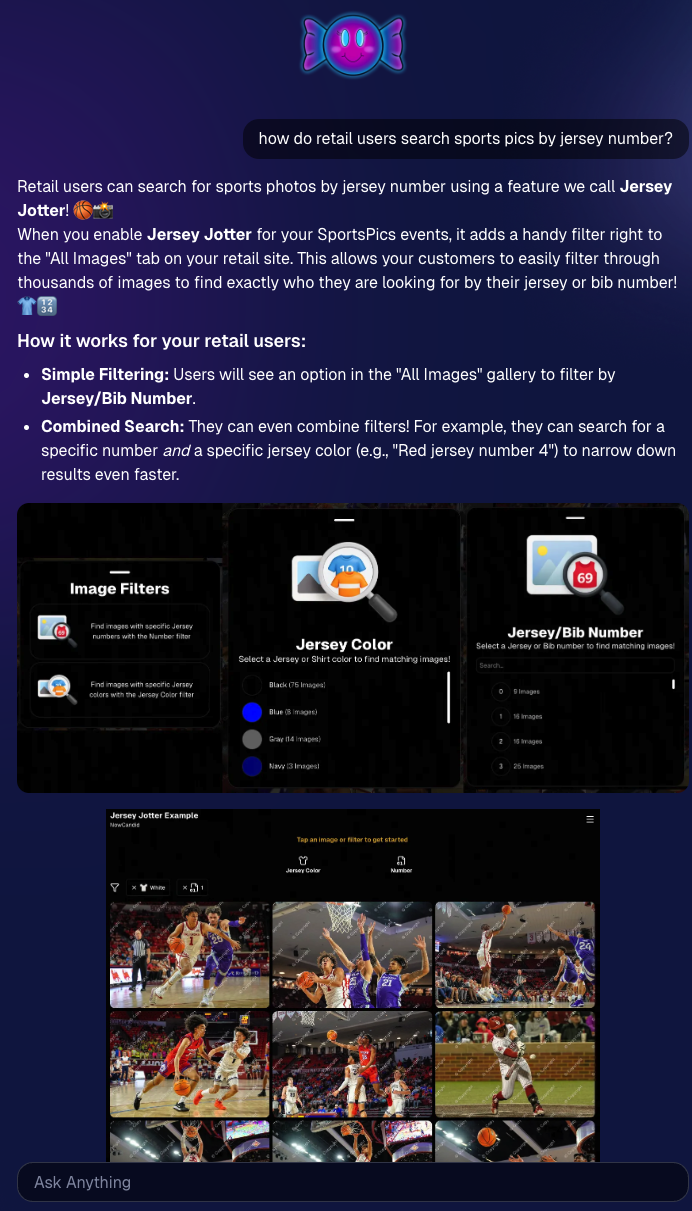
🔢 Search images by jersey number or color (just like retail search)

🎛️ Easily enable/disable number & color recognition

📊 View totals for detected numbers and colors

📍 Automatically appears for Sports events only

If you’re working high-volume sports, this should make organizing and finding images much faster.

Same filters your customers have come to expect, right in the Dashboard!

🎨 Candy Image Studio: Better Results + New Styles

Candy Image Studio continues to level up:

Improved edit quality across multiple nodes

🛡️ Smarter safety system for safer outputs

🖼️ Example thumbnails added to many nodes (so you know what to expect)

🆕 New AI Styles:

🧸 Chibi

🧍 3D Cartoon

🦸 Action Figure

Not sure when this one specifically would be helpful, but it's cool isn't it!

⚡ Dashboard Improvements

🚀 Faster overall performance across the Dashboard

🎬 Smoother transitions (faster, and some now morph instead of just fading)

🧹 Roster uploads now auto-clean whitespace
Prevents frustrating validation errors from accidental empty spaces in spreadsheets

🔎 Fixed “Find a Participant” link in Sidebar Find

🧪 Fixed false positives in Image Tester filename validation

🏷️ Data & Upload Improvements

📄 CORE spreadsheets now supported in roster and PhotoRoster uploads (for those working across CORE workflows)

🛠️ Marketing & Check-In Fixes

📩 Fixed duplicate text message edge cases

🤳 Fixed “Upload From Camera Roll” issue on Check-In

🤖 Capture App 5.4 (Android Improvements)

This update focuses on improving the Android experience:

📱 Immersive mode UI

  • Reduces accidental navigation and keeps the app more stable on devices like Samsung

🎨 Dark-themed native dialogs for alerts and messages

🔒 Orientation locked to vertical (matching iOS behavior)

App size reduced ~20% (faster downloads, less storage)

🔌 Fixed devices showing as generic “USB Camera Device” instead of model name

🔄 Fixed Over-The-Air updates not working on some devices

That’s the week!

A strong mix of sports workflow improvements, better AI editing tools, and faster, cleaner performance across the board.

See you next week,

Candy 🍬

Let’s get in touch

If you’re a photographer looking to add NowCandid services to your wheelhouse – set up a call by clicking the button below.

How to customize formatting for each rich text

How to customize formatting for each rich text

How to customize formatting for each rich text

How to customize formatting for each rich text

How to customize formatting for each rich text

What’s a Rich Text element?

The rich text element allows you to create and format headings, paragraphs, blockquotes, images, and video all in one place instead of having to add and format them individually. Just double-click and easily create content.

A rich text element can be used with static or dynamic content. For static content, just drop it into any page and begin editing. For dynamic content, add a rich text field to any collection and then connect a rich text element to that field in the settings panel. Voila!

Headings, paragraphs, blockquotes, figures, images, and figure captions can all be styled after a class is added to the rich text element using the "When inside of" nested selector system.

  • List One
  • List Two
  • List Three
  • List Four
  • List Five

This is a link

This is bold text