HomeNavigation arrowBlogNavigation arrow
Current page
Feature Updates

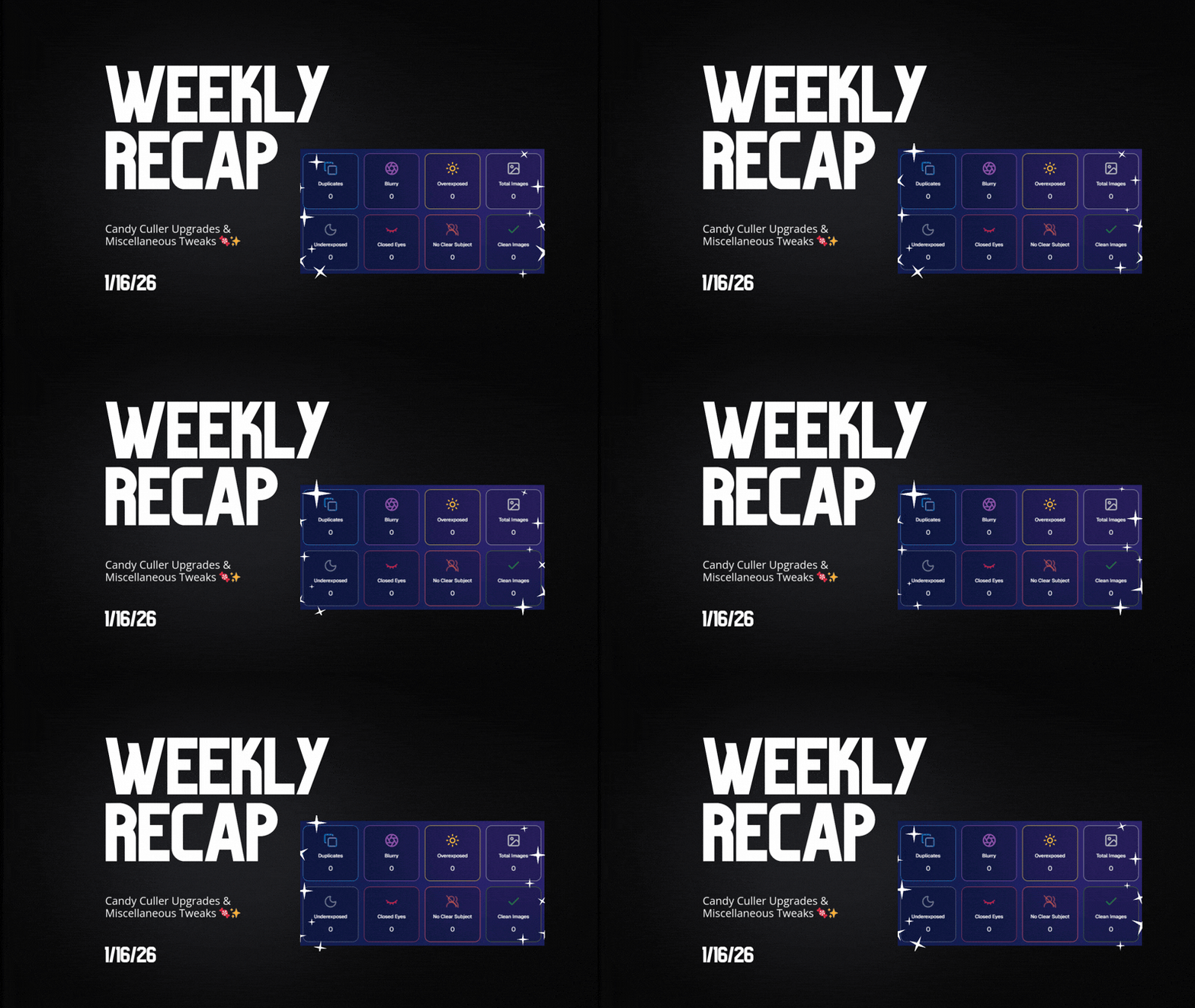
Weekly Recap: Candy Culler Upgrades & Miscellaneous Tweaks 🍬✨

Weekly Recap: Candy Culler Upgrades & Miscellaneous Tweaks 🍬✨
Hey photo friends! 👋


This week was all about making renders look right, downloads behave better, and Dashboard tools feel faster (with a few Capture App and LiveLoop™ polish wins sprinkled in).

Here’s what’s new:

🛍️ Retail Site

🌀 2D render support for Premium Print & Premium Plaque

  • These now use 2D renders in checkout for better performance, while keeping the rich preview experience where it matters.

🆓 Free download product ordering improved (Quic-Events)

  • Free Download now always appears first
  • Free Gallery Download will always appear second (if available)

📝 Clearer Free Gallery Download description

  • It now correctly says full-resolution (when it’s not the “Medium Res Gallery Download”).

📦 Web Receipt Download Page

🖼️ Preview fit fixed

  • Images now fit completely in the preview, so artwork (like bottom/banner elements) won’t look “missing” behind buttons.

🔄 Smarter auto-refresh while processing

  • If the lab is still preparing downloads, the page will automatically refresh status updates in the background so customers don’t have to babysit it.

🖥️ Dashboard

📄 Participant download spreadsheet improvements

  • Fixed the images column always showing “…” at the end
  • “Ref Image” column renamed to RefImageName (matches PhotoRoster sheets)
  • Address columns are included when applicable (only if at least one participant has a check-in address)

🗂️ Cleaner downloaded filenames

  • Downloaded images no longer get Full_Res_ or Full_Res_W_Banner appended to the filename.

🧾 PhotoRoster Data Upload cleanup

  • Folder names are now removed from RefImageName automatically (e.g., 1/DSC_4143DSC_4143).

Faster reports

  • Many reports (including the overview report) should load quicker.

🍬 Candy Culler (Our New AI Culling Tool)

🍬 Candy Culler added to Command Palette

  • You can now launch it from CTRL+K / CMD+K while on an Event Details page.

📊 Candy Culler progress bar + auto-updating status

  • New X/Y processed progress display, with automatic refresh until everything is done.

🧠 Candy Culler quality fixes & polish

  • BGR folders won’t be culled before a PNG actually exists
  • Images sort by image name (A→Z)
  • Improved mobile UI

🌀 LiveLoop™

🖼️ Better full-frame and banner rendering (pixel-perfect)

🧵 Banner/full-frame art now uses full resolution (no longer medium)

🍏 Background blur re-enabled on Apple devices

📱 Capture App iOS 4.22.4 (OTA Jan 12)

More native-feeling navigation transitions

📞 Phone field keypad behavior fixed (no unexpected iOS keypad when manually tapping)

🧷 Gallery strip stays where you were

  • When marking images visible/hidden or group/not group, the strip no longer jumps back to the start.

🧼 Misc Fixes & Cleanup

🧩 Render Preview page fixes (quic.pics/render)

  • Several products that weren’t downloading renders correctly should now behave as expected.

🧲 Cutout Magnets + Statuettes now supported on the preview page

  • Render previews/downloads are enabled for these products (note: they’ll only look correct if the selected image is a cutout).

🖨️ Premium Print & Premium Plaque render downloads enabled

  • You can now download renders for 8×10 Premium Print and Premium Plaque from the preview page too.

🔤 Input cleanup for non-English-standard characters

  • Certain fancy/unsupported characters are auto-converted to standard English characters to prevent weird issues in names, sign-in fields, business info, etc.

That’s the week!

Lots of “little” changes that add up to cleaner previews, clearer downloads, and faster tools where you use them most.

Keep creating magic,

Candy 🍬

Related articles

📸 Candy’s 12 Days of Christmas: Day 2 – The New Retail Site 🎄✨
Feature Updates
December 15, 2024

📸 Candy’s 12 Days of Christmas: Day 2 – The New Retail Site 🎄✨

3
 minutes read
Hello, my jolly photographers! 🎅

Candy here, welcoming you to Day 2 of our 12 Days of Christmas countdown. Yesterday, we revisited the new NowCandid Web Dashboard. Today, let’s talk about another game-changer from 2024: our New Retail Site!

When we introduced this updated retail experience, our goal was to give your clients a smoother, more delightful way to browse, customize, and purchase their images.

Here’s what made it shine:

  • Product Gallery Renders:

    Customers see instant previews of their chosen photos on various products, helping them visualize exactly what they’re buying.
  • Customer Accounts & Order History:

    Clients can log in to review past orders, keep track of events they participated in, and find their images more easily—turning first-time buyers into loyal fans.
  • AI Background Generation:

    With background removal in place, clients can type in prompts to create custom AI-generated backgrounds, adding a unique and personalized flair to their images.
  • Tons of Express Checkout Options:

    From Apple Pay and Google Pay to PayPal and beyond, we added multiple fast, convenient checkout methods, ensuring a hassle-free shopping experience.

The New Retail Site helped your customers feel more engaged, inspired, and confident when ordering.

It was one of the many ways we leveled up your business this year! 🎁

Check back tomorrow for Day 3, as we continue reviewing the best of 2024.

And don’t forget—on December 25th, we’ll unveil something truly special. Until then, keep capturing the magic of the season! 🎄

Candy 🍬

📸 Candy’s 12 Days of Christmas: Day 1 – The New NowCandid Web Dashboard 🎄🎁
Feature Updates
December 14, 2024

📸 Candy’s 12 Days of Christmas: Day 1 – The New NowCandid Web Dashboard 🎄🎁

3
 minutes read
Hello, my merry photographer friends! 🎅

Candy here, and I’m excited to kick off a special holiday celebration with all of you!

For the next 11 days, we’ll be counting down the 12 Days of Christmas by revisiting one of our biggest, most impactful NowCandid features from 2024 each day. Then, on December 25th, we’ll unwrap a brand-new surprise—one of our biggest new features of the year!

Let’s begin Day 1 by shining a festive spotlight on the all-new NowCandid Web Dashboard, a cornerstone of our 2024 improvements that completely transformed how you manage your photography business online.

What Changed in 2024:

  • Participant Details & Gallery Management:

    With the new dashboard, you can dive straight into a participant’s details, view their assigned images, and even add more images to their gallery if needed. This level of control made delivering a personalized experience easier than ever.
  • Enhanced Order Details & Reports:

    Gone are the days of scattered information. The updated dashboard brought comprehensive order details front and center, along with in-depth reports. Now you can monitor sales, understand trends, and make data-driven decisions with confidence.
  • Streamlined Image Downloads:

    Need to access event images quickly? The new dashboard let you download images right from your event pages, saving time and ensuring you have what you need at your fingertips—no extra steps required.

From improved participant oversight to richer analytics and convenient image downloads, the new NowCandid Web Dashboard was a game-changer.

It set the tone for a year filled with upgrades that helped you run your business more efficiently, serve your clients better, and ultimately capture more smiles.🎉

Stay tuned for Day 2 tomorrow, where we’ll highlight another standout feature from 2024.🎄✨

Until then, keep embracing the holiday spirit and know that something truly special awaits you on December 25th!

Candy 🍬

Weekly Recap: QuicPics Improvements! 📸🎉
Feature Updates
December 13, 2024

Weekly Recap: QuicPics Improvements! 📸🎉

3
 minutes read
Hello again, my wonderful photographers! 🎅

Candy here, bringing you another Weekly Recap. It’s a light week for changes, but we’ve got a couple of handy tweaks worth mentioning. Let’s dive in! 🌟

1. Bigger, Better Downloads for QuicPics & QuicPics GO 🏆

  • Improved Download Quality: Images downloaded directly from the retail site during QuicPics or QuicPics GO events—via “tap and hold” or the download icon—now come closer in size and quality to what clients receive through free downloads at checkout or via MMS.
  • Richer Image Experience: This enhancement means end customers get crisper, more detailed images, no matter how they choose to save them.

2. Clearer QuicPics Products in the Offer Creator 💡

  • Improved UI Guidance: The two QuicPics products are now always listed at the top of every custom offer in the Offer Creator.
  • Easier Understanding: Notes explain that these items only appear if you’re running a QuicPics or QuicPics GO event. This helps photographers realize they don’t need to manually add free downloads—QuicPics has them covered.

Looking Ahead: The 12 Days of Christmas Countdown 🎄

Starting tomorrow, we’ll begin a special 12 Days of Christmas countdown. Each day leading up to December 25th, we’ll revisit one of 2024’s biggest features. On the final day, we’ll unwrap a brand-new surprise—one of the year’s biggest new additions!

Stay tuned, enjoy the holiday season, and get ready for a festive lineup of features! 🎁

Candy 🍬

Let’s get in touch

If you’re a photographer looking to add NowCandid services to your wheelhouse – set up a call by clicking the button below.

How to customize formatting for each rich text

How to customize formatting for each rich text

How to customize formatting for each rich text

How to customize formatting for each rich text

How to customize formatting for each rich text

What’s a Rich Text element?

The rich text element allows you to create and format headings, paragraphs, blockquotes, images, and video all in one place instead of having to add and format them individually. Just double-click and easily create content.

A rich text element can be used with static or dynamic content. For static content, just drop it into any page and begin editing. For dynamic content, add a rich text field to any collection and then connect a rich text element to that field in the settings panel. Voila!

Headings, paragraphs, blockquotes, figures, images, and figure captions can all be styled after a class is added to the rich text element using the "When inside of" nested selector system.

  • List One
  • List Two
  • List Three
  • List Four
  • List Five

This is a link

This is bold text